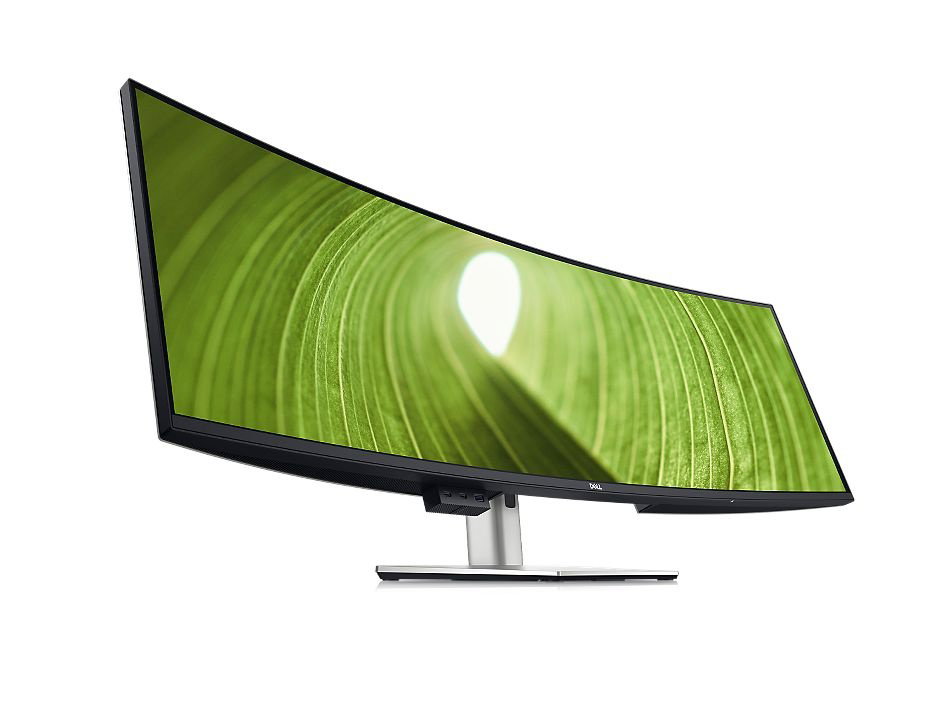
Dell UltraSharp 49 Curved USB-C Hub Monitor - U4924DW




Diagonal Size
49"

Resolution / Refresh Rate
5120 x 1440 at 60 Hz
Panel Technology
IPS Black

Adjustability
Height, swivel, tilt

Colour Gamut
100% Rec 709, 100% sRGB, 98% DCI-P3, 98% P3

Ports
2 x HDMI (HDCP 2.2)
DisplayPort 1.4 (HDCP 2.2)
USB-C/DisplayPort 1.4 Alt Mode with Power Delivery (power up to 90W)
USB-C 3.2 Gen 2 upstream
4 x USB 3.2 Gen 2 downstream
2 x USB-C 3.2 Gen 2 downstream (power up to 15W)
USB 3.2 Gen 2 downstream with Battery Charging 1.2
Audio line-out
RJ45 Ethernet port, 2.5GbE
Vibrant hues, sharp contrast
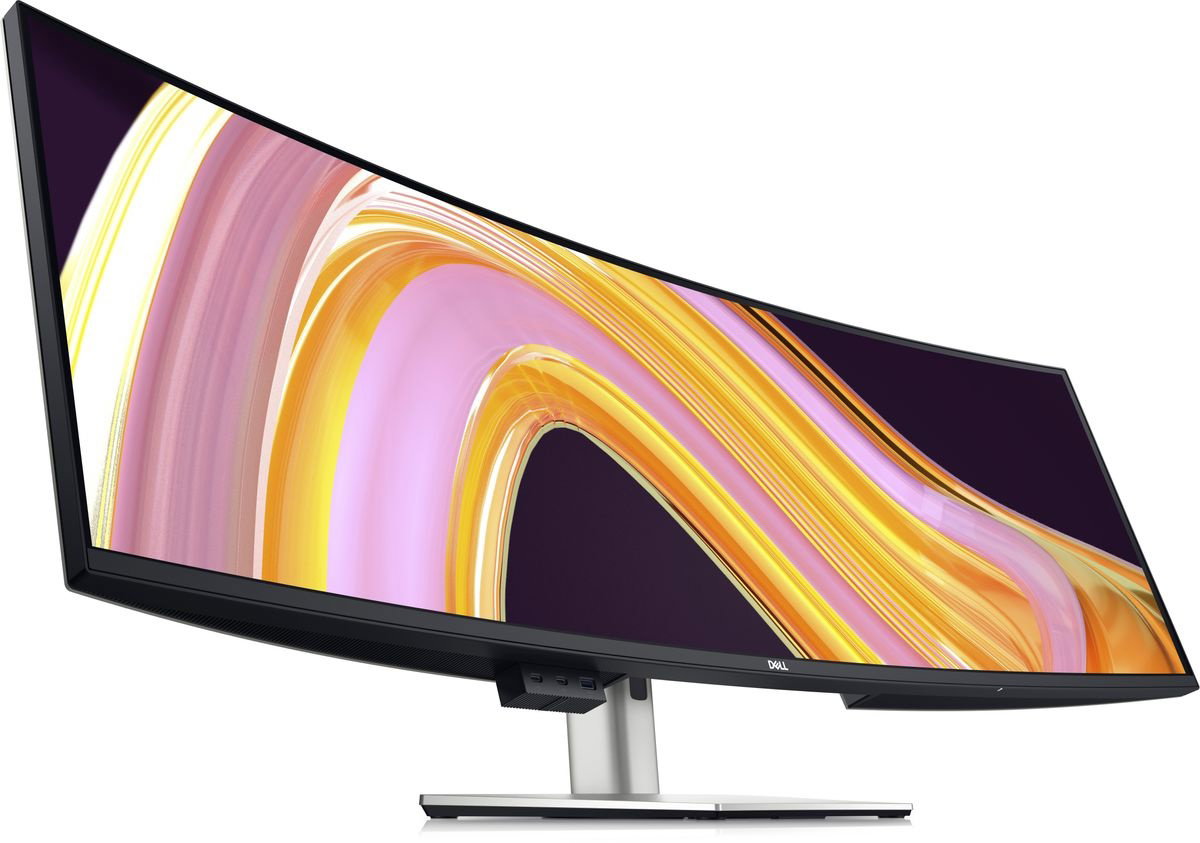
IPS Black panel technology: Enjoy deeper blacks with the world's first 49-inch DQHD monitor with IPS Black panel technology¹ that delivers exceptional contrast (2000:1) across a wide viewing angle. Equipped with 100% sRGB, 100% REC.709, 98% DCI-P3 and 98% Display P3 color coverage.
Curved screen: Work comfortably with a curved screen that improves field of view and
reduces reflection and eye fatigue.
Enhanced eye comfort: ComfortView Plus is an always-on, built-in, low blue light screen that reduces potentially harmful blue light emissions without compromising color.

Power your productivity
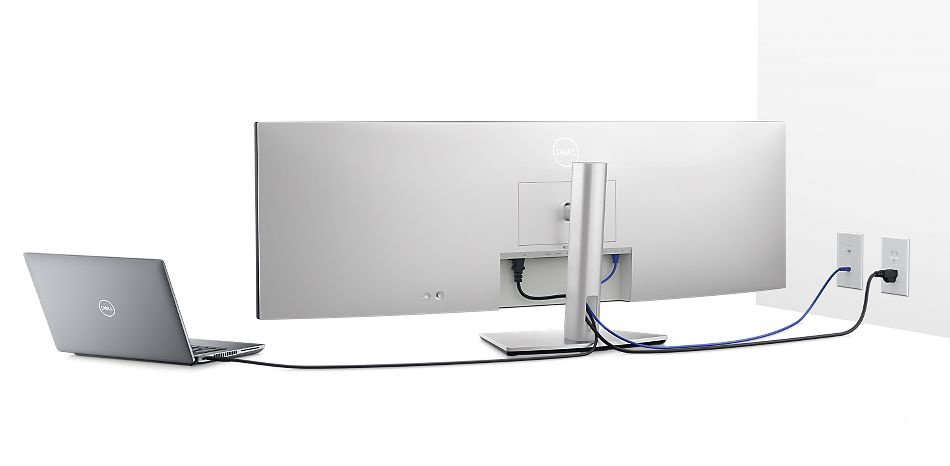
Streamline your workflow: A single cable USB-C transmits data and video signals while delivering up to 90W of power.Fast and stable connection: Get up to 2.5GbE provided by RJ45 with PXE boot, Mac Address pass-thru and Wake on LAN features. RJ45 lock feature gives you the flexibility to lock the wired Ethernet to a chosen PC while continuing to work from dual PC inputs.
Connect: A wide variety of devices are connectable with USB-A and USB-C Gen2 downstream quick-access ports that deliver speeds up to 10Gbps and DP1.4, HDMI and USB-C upstream ports.
Starting is easy
Quick connect: Conveniently located USB-C (up to 15W power) and USB-A ports make it easy to plug in external devices, and built-in dual 9W speakers saves you the hassle altogether.
Dive right into your project: The built-in power sync feature² wakes up and powers on your laptop.
Power of two
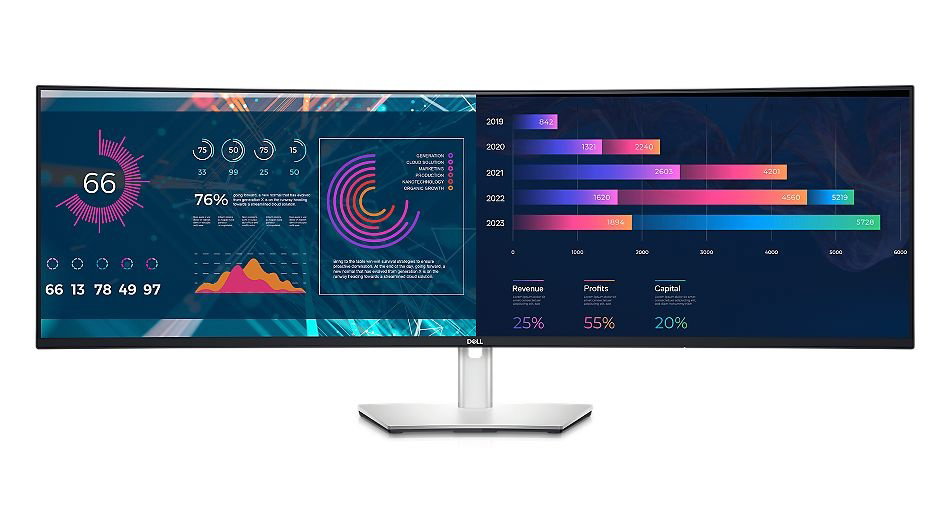
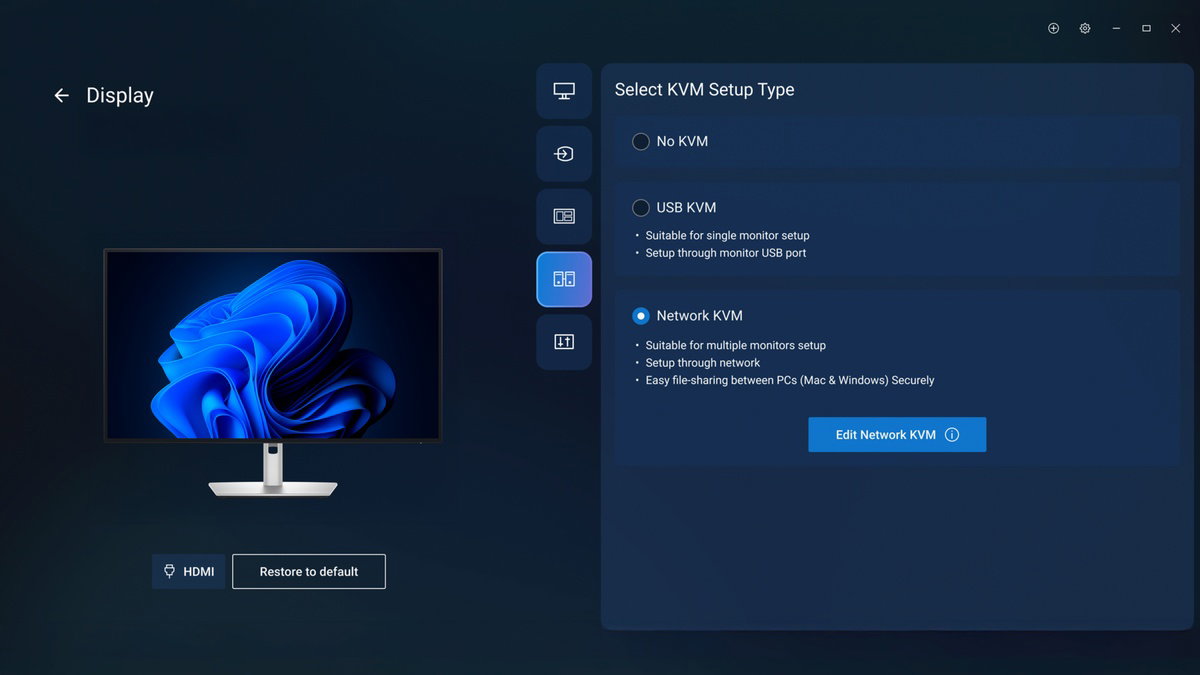
Internal Multi-Stream Transport (iMST): View your display across the full screen or split it into 2 x 27-inch QHD partitions with iMST. No external software or DisplayPort splitter needed.Multitask better: Connect to two PC sources and Auto KVM (keyboard, video, mouse) will seamlessly switch controls over to the second connected PC. Use KVM feature to control both PCs with a single keyboard and mouse. The KVM wizard makes setup a breeze.

Set for comfort
Green thinking. For today and tomorrow.
Environmental standards: This monitor uses 85% PCR (Post-consumer Recyclable) plastic in the design³, 90% recycled aluminum and meets the latest environmental standards such as EnergyStar®, and TCO Certified Edge, and is EPEAT® Gold⁴ registered.
Eco-conscious packaging: Designed with the environment in mind, Dell commercial monitors come in 90% recyclable cardboard packaging⁵.
Energy conservation: Save energy with PowerNap⁶, a feature that dims or puts your monitor to sleep when it’s not in use.
Dell Display and Peripheral Manager
Experience Dell’s singular, innovative application to optimise the performance of your entire Dell PC workspace⁷.
Maximise productivity
Easy Arrange tiles apps across screens with pre-set partitions and customises up to five windows, enhancing multitasking. Easy Arrange Memory saves and restores app profiles manually, on schedule, or at start-up.
Easy navigation
Control and work across multiple network or USB connected PCs and monitors with a single keyboard and mouse, seamlessly transferring files between them⁸.
More manageable
Save time and boost IT efficiency with the Dell Device Management Console to manage your Dell peripheral fleet at scale, from a single cloud-based console. Discover expanded Command Line Interface features from Dell Display and Peripheral Manager⁷.
Disclaimer: Screen image simulated for illustrative purposes only. Monitor model may vary.
Works with devices on macOS®*
Tested with devices on macOS, this USB-C monitor with Display P3 colour is compatible with Mac® devices. Requires USB-C or HDMI connectivity. Daisy chaining⁹ multiple displays via a single cable requires Thunderbolt connectivity. Please check your device for compatibility, as select M-series chips may not support some features. Install Dell Display and Peripheral Manager application to customise advance settings.
*Based on internal testing of select Dell monitors with USB-C or HDMI connection to devices on macOS, June 2024. Some features may not be supported.
Connectivity Options

Ports and slots
Bottom and rear view
1. Security lock slot (based on Kensington Security Slot™)
2. Power connector
3. 2x HDMI
4. DisplayPort
5. USB Type-C upstream port (Video + Data). Alternate mode with Display Port 1.4, Power Delivery up to 90 W
6. Audio line-out port
7. USB Type-C upstream port (data only, SuperSpeed USB 10 Gbps, USB 3.2 Gen 2)
8. 4x USB Type-A downstream ports (SuperSpeed USB 10 Gbps, USB 3.2 Gen 2)
9. RJ45 Ethernet port, 2.5GbE
10. Stand lock
11. 2x USB Type-C downstream ports (SuperSpeed USB 10 Gbps, USB 3.2 Gen 2)
12. USB Type-A downstream port with power charging (SuperSpeed USB 10Gbps, USB 3.2 Gen 2)
13. Speakers
Cables Included
1. Power cable¹⁰
2. DisplayPort cable - 1.8 m
3. USB Type-A to USB Type-C Gen 2 cable - 1.0 m
4. USB Type-C cable - 1.0 m
5. HDMI cable - 1.8 m

Dimensions and weight
1. Monitor height with stand ( extended / compressed ) :
520.27 mm / 400.57 mm (20.49 in. / 15.77 in.)
2. Monitor width : 1214.90 mm (47.83 in.)
3. Monitor height : 365.95 mm (14.41 in.)
4. Stand width : 359.97 mm (14.17 in.)
5. Monitor depth : 112.09 mm (4.41 in.)
6. Stand height (extended / compressed ) : 412.00 mm / 361.80mm ( 16.22 in. / 14.24 in.)
7. Stand depth : 269.14 mm (10.60 in.)
Weight
Weight with stand and cables: 16.30 kg (35.93 lb) ¹¹
Weight without stand and cables: 12.15 kg (26.79 lb)¹¹

1. Based on Dell analysis DQHD (5120 x 1440) monitors, September 2022.
2. The power sync feature on this Dell USB-C Monitor enables start up and wake-on-demand on compatible Dell PCs. Please check your Dell PC to ensure support of this feature.
3. By weight of the total weight of plastic parts in product. Excludes printed circuit boards, labels, cables, connectors, electronic components, optical components, ESD components, EMI components adhesives, and coatings.
4. EPEAT registered where applicable. EPEAT registration varies by country. See www.epeat.net for registration status by country.
5. Applies to outer box and paper cushion packaging materials, based on internal analysis, October 2022.
6. Enabled by Dell Display Manager
7. Based on Dell internal analysis, November 2024.
8. KVM (keyboard, video, mouse) is available on select monitors only. For monitors that don’t support USB KVM, the input source feature is an alternative. You can share multiple input sources to one monitor, but you cannot share one keyboard and mouse.
9. Daisy-chaining is supported on select Dell monitors. Please check device compatibility.
10. Varies by country.
11. Weights vary depending on configurations and manufacturing variability.