Alienware 16 Aurora Gaming Laptop
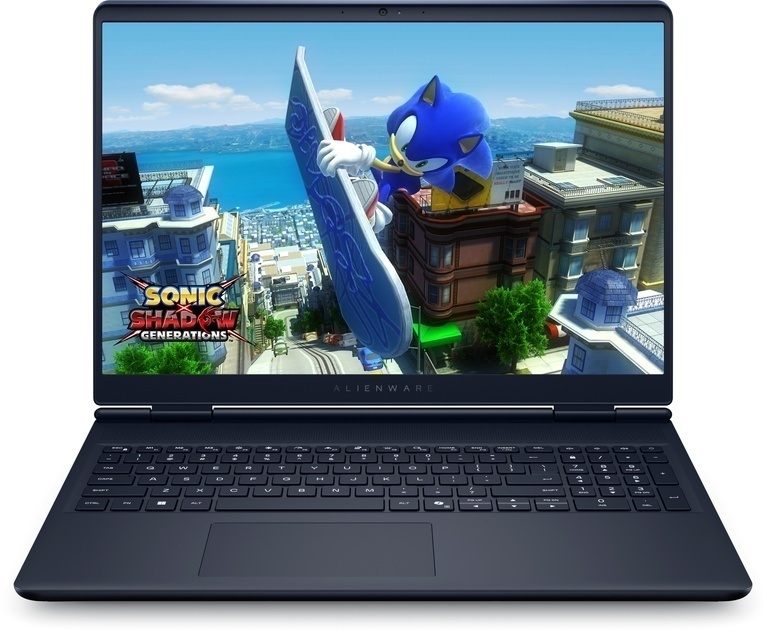
Pure performance. No distractions.
Must-have gaming performance in a stunning, streamlined design featuring Intel® Core™ processors (Series 2), a WQXGA 120Hz 300 nits display and a stylish anodised aluminium lid.
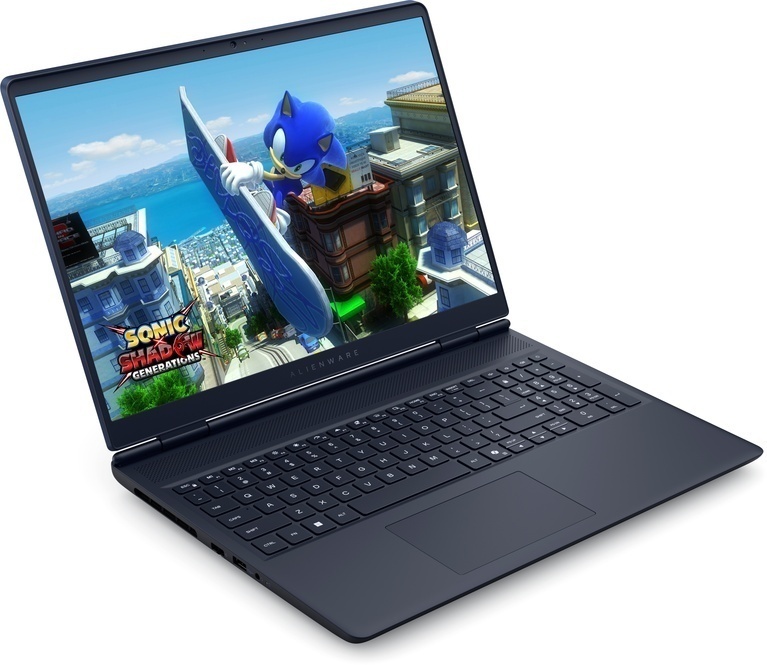
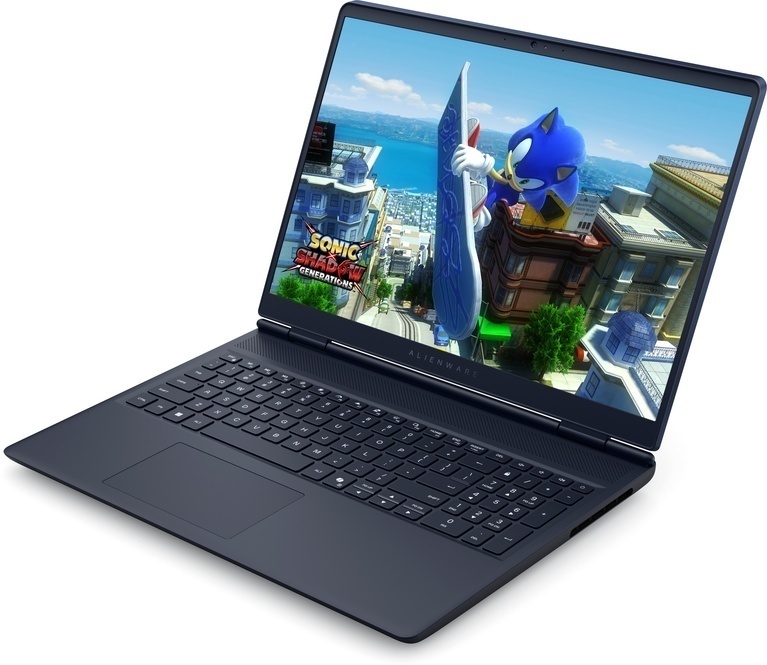
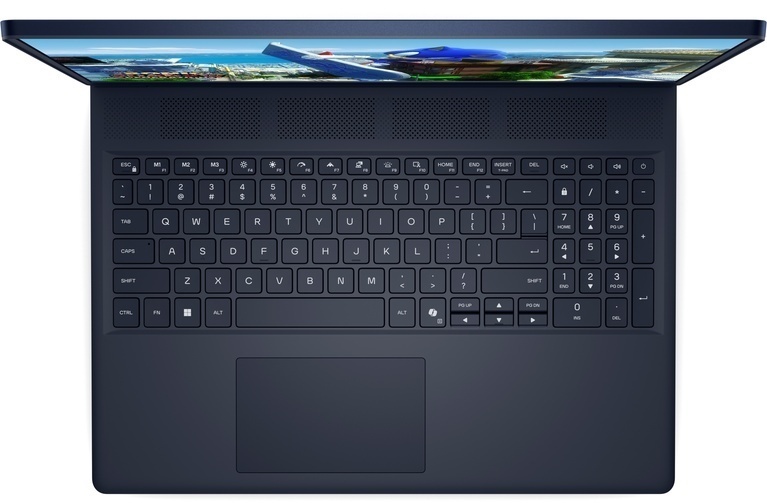
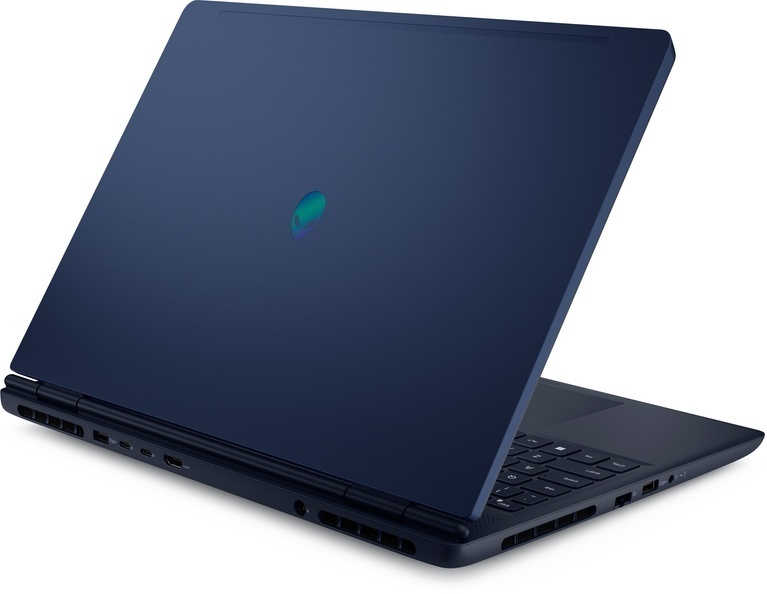
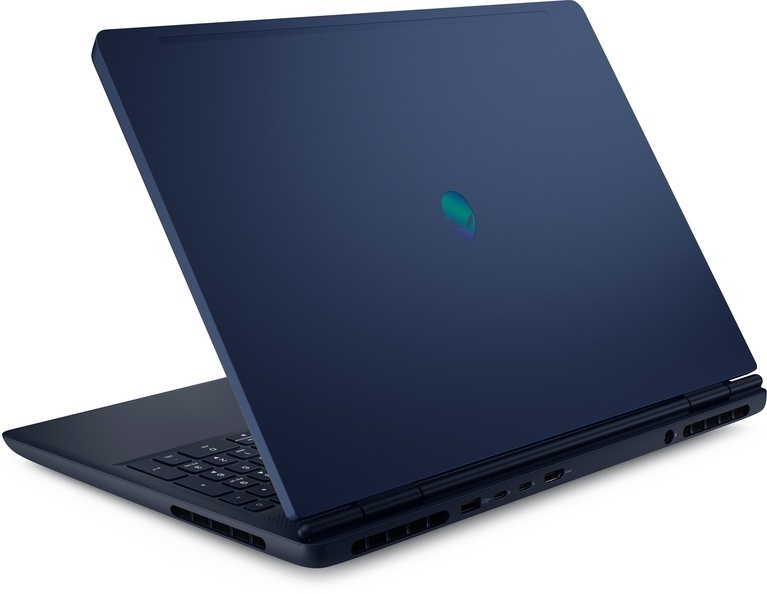
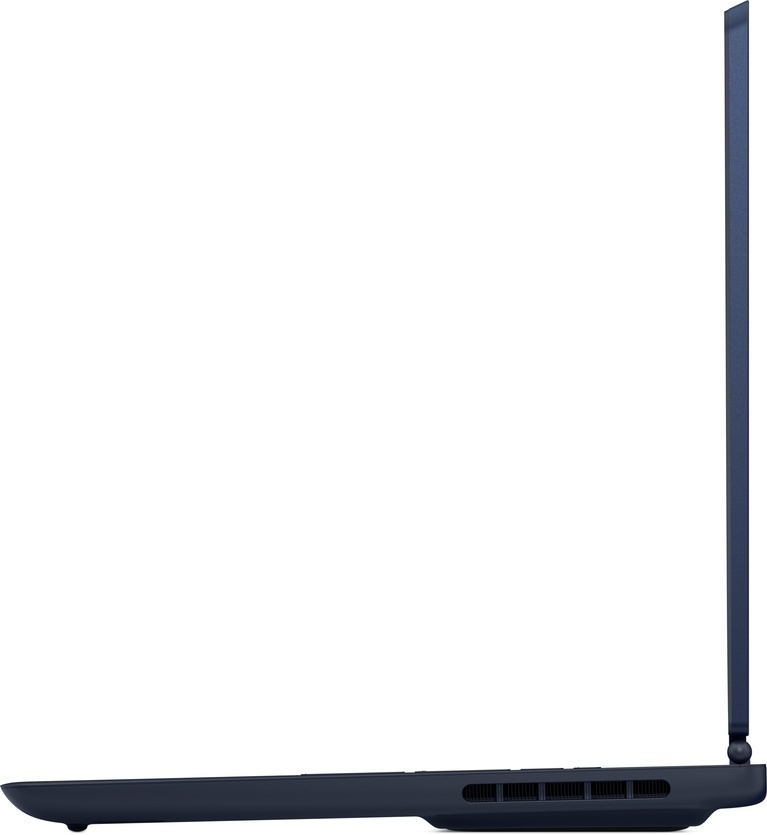
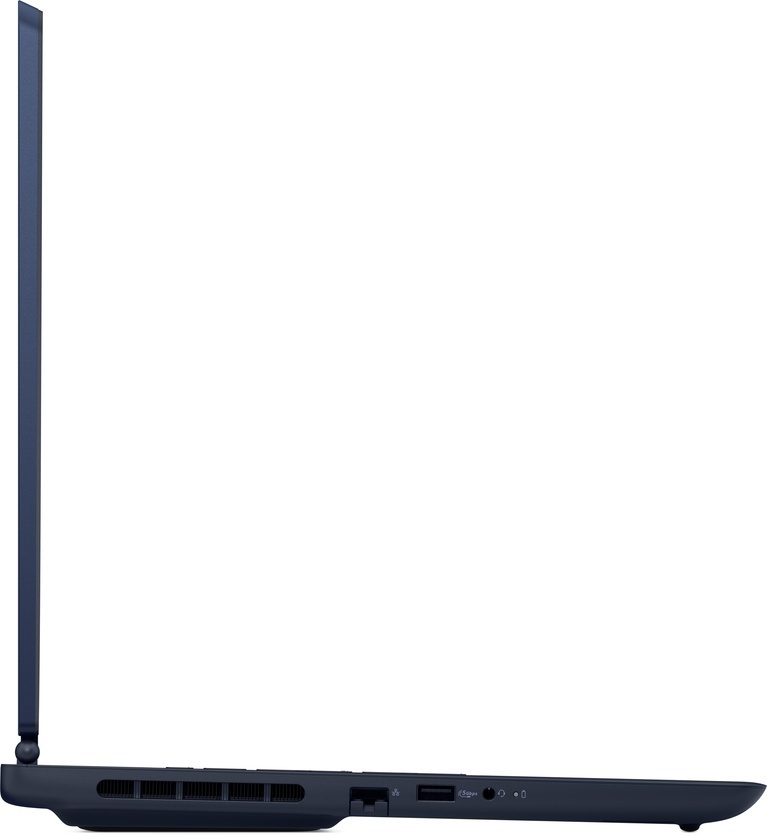
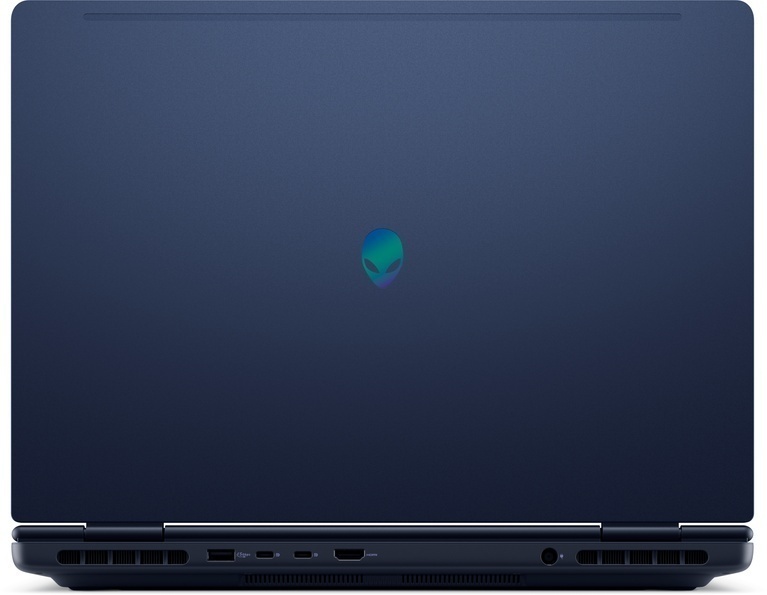
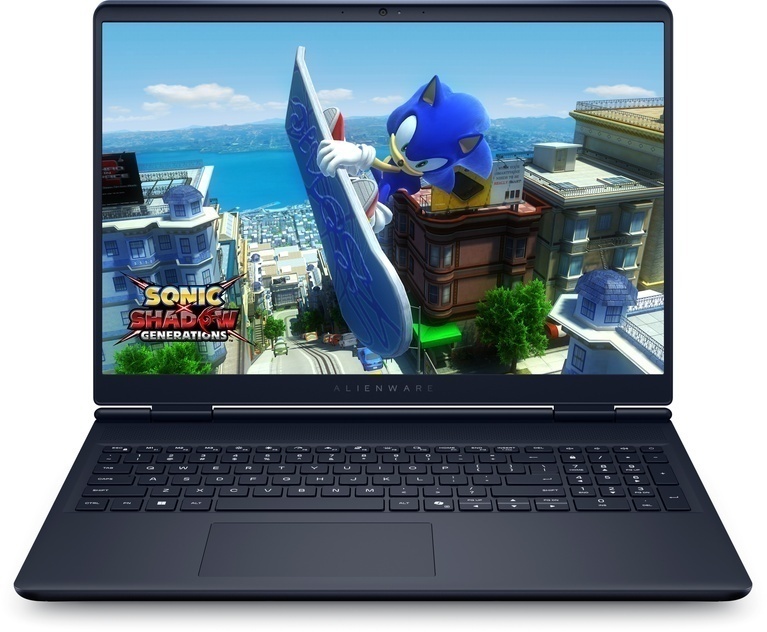
Essential power in a focused design
Alienware 16 Aurora delivers an immersive gaming-first experience in a sleek, focused design. Get the performance you need, anywhere – powered by Intel® Core™ processors (Series 2) and laptop GPUs ranging from NVIDIA GeForce RTX™ 3050 up to 5070.


Intentional design
A comfortable, efficient design that doesn't need a thermal shelf, increasing mobility without sacrificing performance.
Optimised power
Play demanding games with up to 115W Total Performance Power (TPP)¹.
Innovative cooling
A newly designed Cryo-Chamber structure focuses airflow to the core components, where it matters most.
Brilliant display
Go deeper into games with a 16” WQXGA 120Hz display with 300 nits brightness.
Comfort focused design
Intentionally designed for comfortable, everyday use. Alienware 16 Aurora’s streamlined design offers advanced thermal support without the need for a rear thermal shelf. The laptop’s smaller profile makes it an easy fit into bags and backpacks for on-the-go performance.
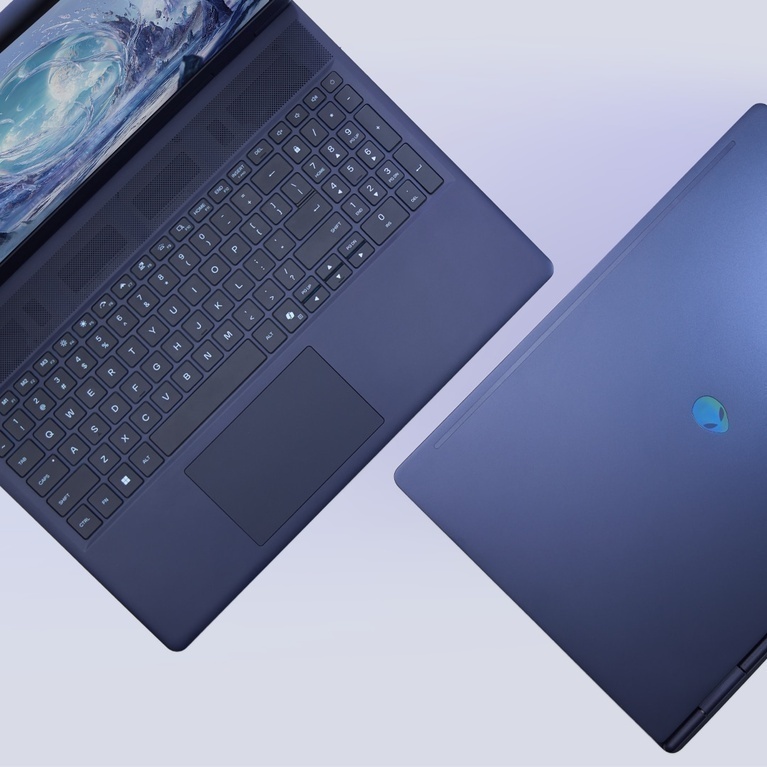
Easy to carry. Hard to put down.
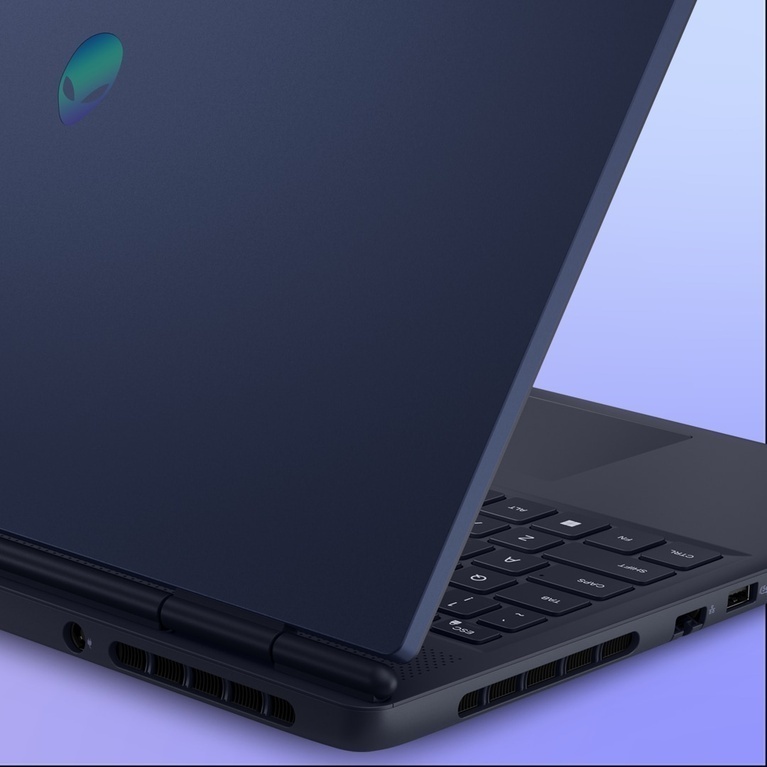
Premium build
Alienware 16 Aurora is designed with premium materials, such as an anodised aluminium lid featuring an iridescent Alienware logo and magnesium alloy interior frame.
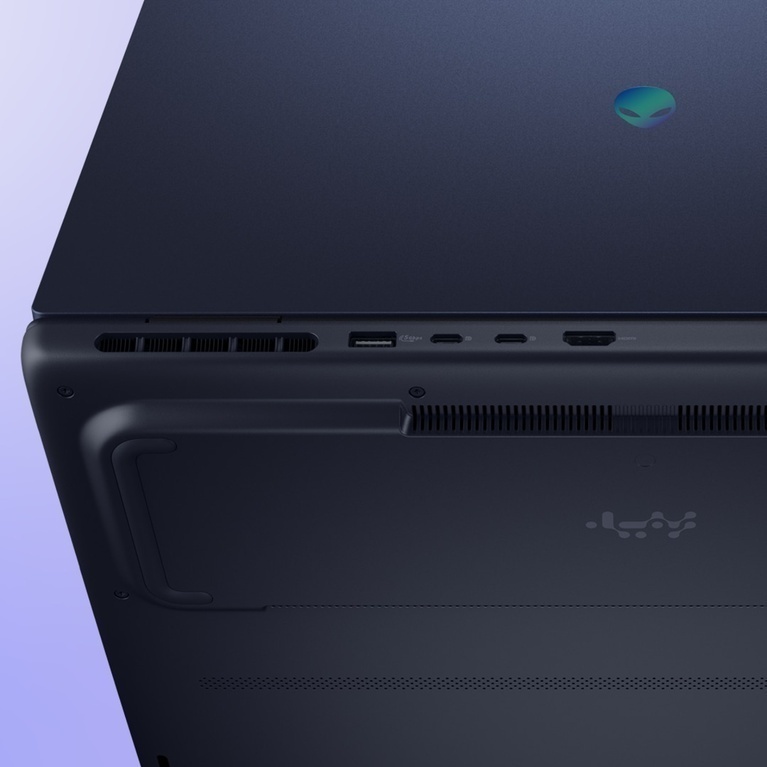
Fluid contours
Soft, smooth contours make the laptop more comfortable to hold, complimented by a stunning new colourway Interstellar Indigo with a satin finish.
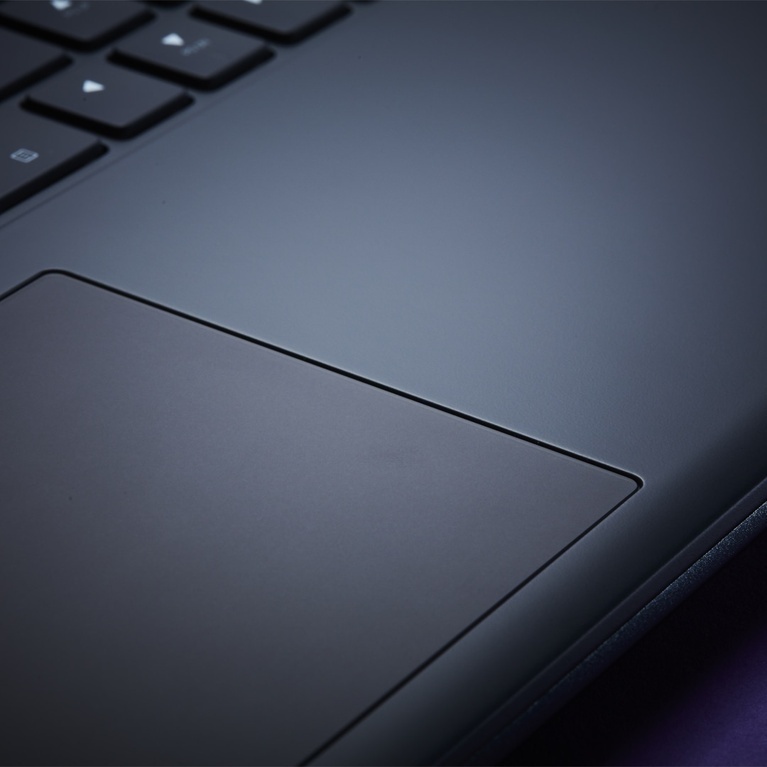
Comfort ensured
Opening and closing your laptop lid just got easier thanks to an angled front edge. Plus, a gently pillowed palm rest ensures comfort during any gaming session.
Balanced power
The perfect balance of performance and portability in a stunning chassis. Ready to run your favourite games seamlessly with up to 115W Total Performance Power¹.
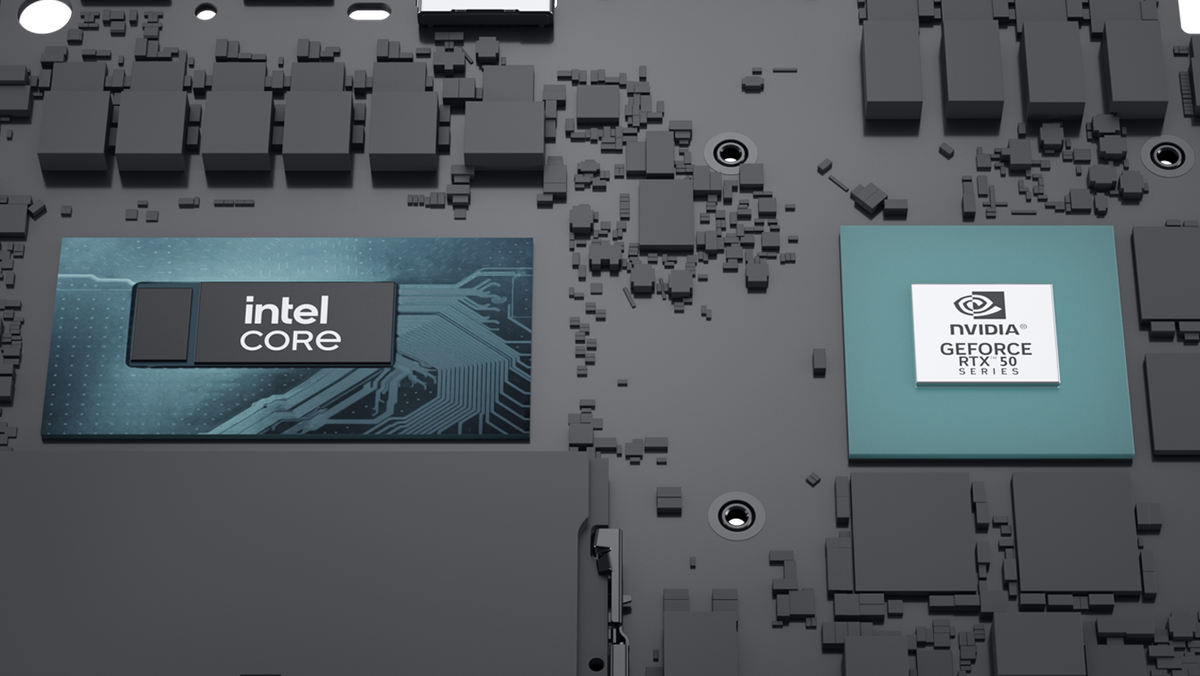
Up to 115W
Total Performance Power¹ is the combined maximum of TGP and TDP, enhancing overall performance across all you do.
Up to 85W
Total Graphics Power means higher GPU performance with more realistic gameplay¹.
Up to 45W
CPU Thermal Design Power means full power devoted towards processing tasks in real-time.
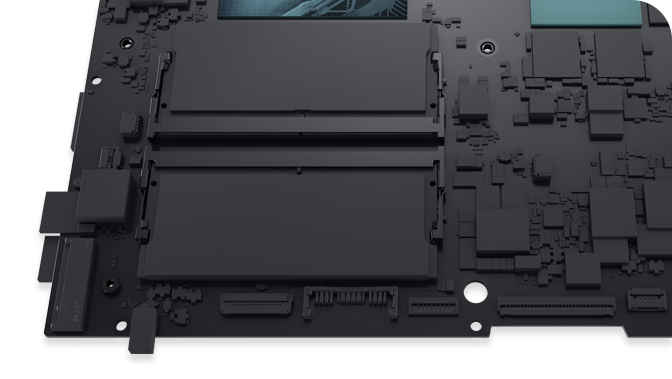
Ready for tomorrow
With ample storage and memory, Aurora is built to game and multitask today and beyond. This laptop features two upgradeable PCIe Gen 4 SSD slots² and two user-upgradeable DDR5 SO-DIMM memory slots.
Game changing graphics
The 16 Aurora is available with NVIDIA® GeForce RTX™ 3050 or 4050, or step into the future of gaming and creation with NVIDIA® GeForce RTX™ 50 Series Laptop GPUs, powered by NVIDIA Blackwell and AI. Designed to push boundaries, RTX 50 Series with NVIDIA Max-Q delivers optimised battery life and performance and jaw-dropping graphics fidelity—perfect for those who demand the extraordinary on the go.

Ray tracing redefined
Experience cinematic realism with full ray tracing and breakthrough neural rendering technologies. From stunning light reflections to intricate shadows, your in-game world looks better than ever.
AI-boosted gameplay
Unleash next-level performance and image quality with DLSS 4. Achieve ultra-smooth frame rates with Multi Frame Generation and enhanced Ray Reconstruction.
Competitive advantage
Compete faster with NVIDIA® Reflex 2 technology featuring Frame Warp, which further reduces latency based on the game’s latest mouse input.
Unparalleled video playback
The RTX 50 Series redefines how you enjoy your favourite movies, shows and videos. With advanced AI-powered upscaling and buttery-smooth playback, immerse yourself in vibrant colours, stunning clarity and flawless streaming.
Immersive entertainment
Rethink how you stream, chat or create content with NVIDIA Broadcast’s advanced AI enhancements. Clear your audio, upgrade your video, and craft your AI-powered home studio effortlessly.
Precision cooling for maximum efficiency
The new Cryo-Chamber design optimises airflow, cooling and performance.
Intentional airflow
Air is strategically pulled in above the keyboard and in the Cryo-Chamber, and out four exhaust vents on the sides.
Quiet and cool
Expertly designed fans keep the system running smoothly and quietly.
Built to last
Efficient thermal design protects internal components and extends the life of the system.
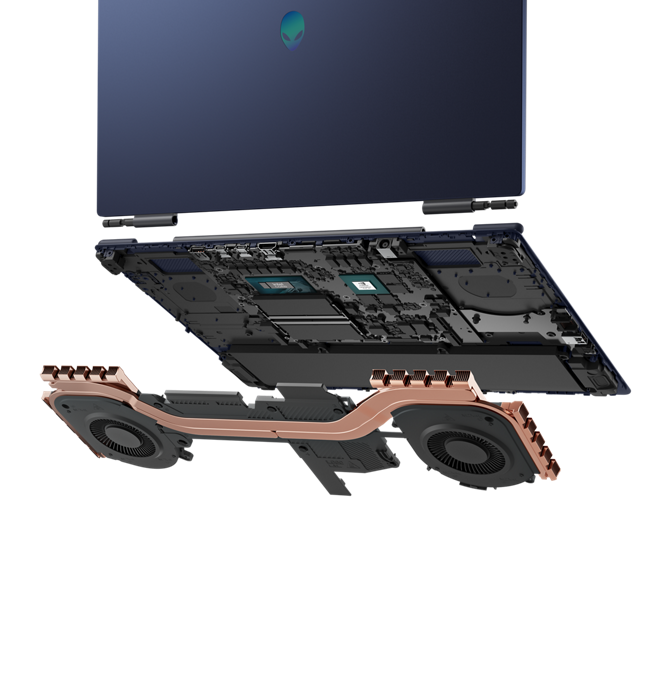
Advanced thermals for extended play
Our advanced cooling technology, Alienware Cryo-tech™, is designed to maintain system stability even during the most demanding sessions.
Dual fans
Two fans with ultra-thin blades pull cool air in from the top and bottom; exhaust hot air out 4 vents to help enable higher performance.
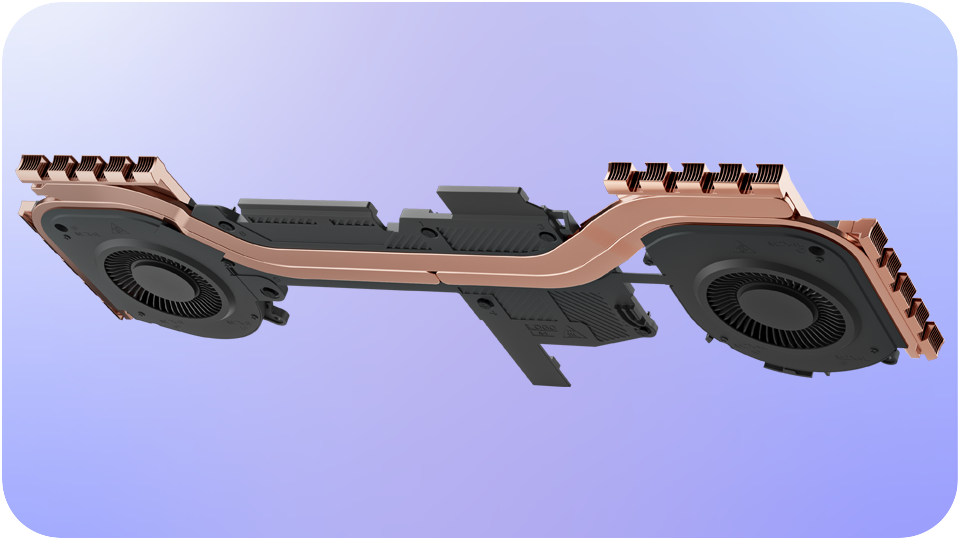
Copper heat pipes
Three copper heat pipes dissipate heat from the CPU and GPU ensuring seamless gaming.
Encounter total gameplay immersion
Get the full Alienware experience, anywhere, with a brilliant screen, intuitive design and seamless connectivity.

Blend into any environment
Activate Stealth Mode with F7 to switch performance to Quiet Mode for a more subtle, covert experience³.

Alienware Elite Care

Next-Level Gaming Support
We know gaming. Talk directly to our elite Alienware support experts, anytime⁴.

Support Essential
Accidents happen. Alienware Elite Care includes Accidental Damage Service for fast and seamless repairs due to drops, spills and electrical surges⁵.

SupportAssist Technology
Your personal wingman to keep you gaming at peak performance – predicting and resolving issues before they occur⁶.
Total command
Control more than ever with Alienware Command Center.

Convenient presets
Maximise your gameplay with performance presets for the power you need, no matter what you're doing.
Performance overlay
Manage and see CPU, GPU, memory and thermals stats without exiting the game.
AlienFX
Customise your setup with lighting settings that extend to all your Alienware accessories, as well as key binds and calibration.
AlienVision
Toggle external Alienware monitor hardware-based overlays on/off to help you focus on the targets at hand.
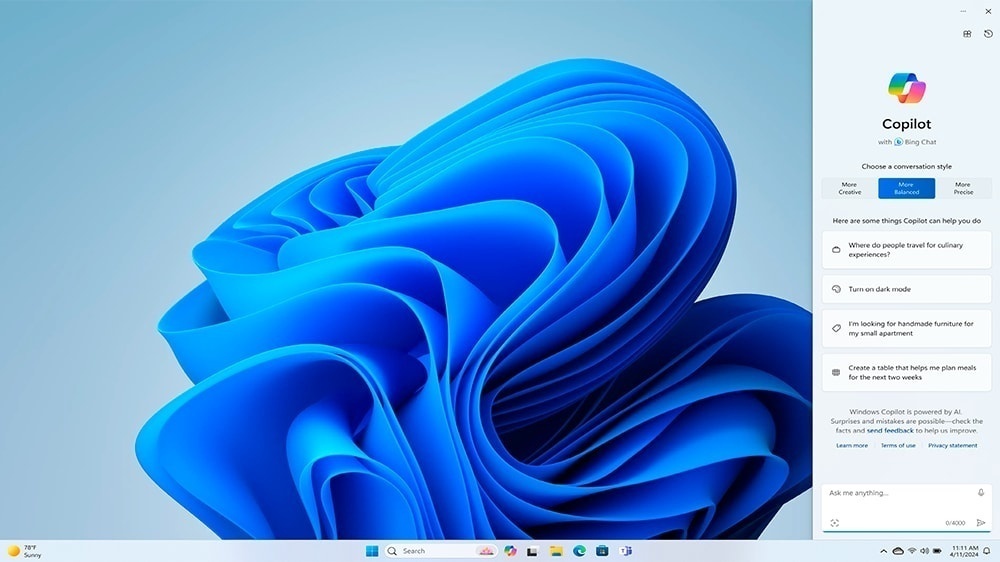
Make everyday easier
Windows 11 comes with a modern design and multitasking tools⁷ to help you make everyday easier.
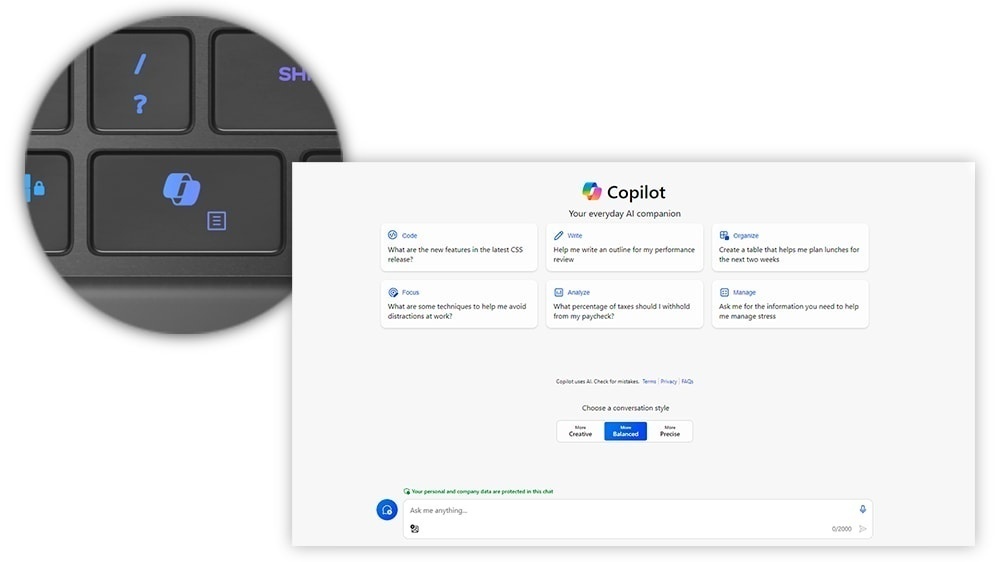
Windows Copilot Key
With one click, you have instant access to Copilot⁸ in Windows – Your own personal AI assistant. Get real answers, inspiration and solutions at your fingertips.
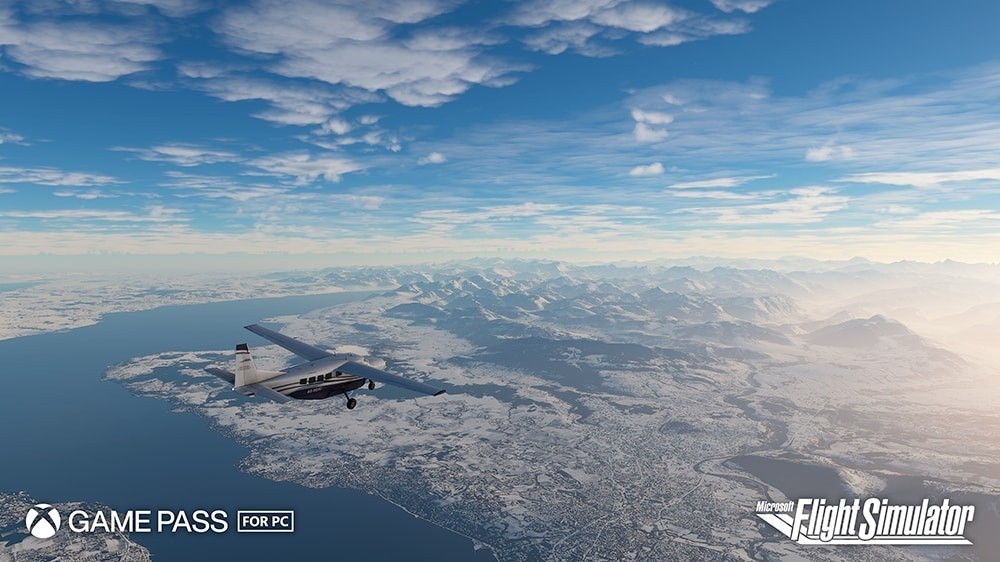
All for play, play for all
Game with the graphics you need, with the people you want, with the peripherals you prefer on Windows 11. Discover compatibility with a wide range of games, including the latest releases, through PC Game Pass⁹.
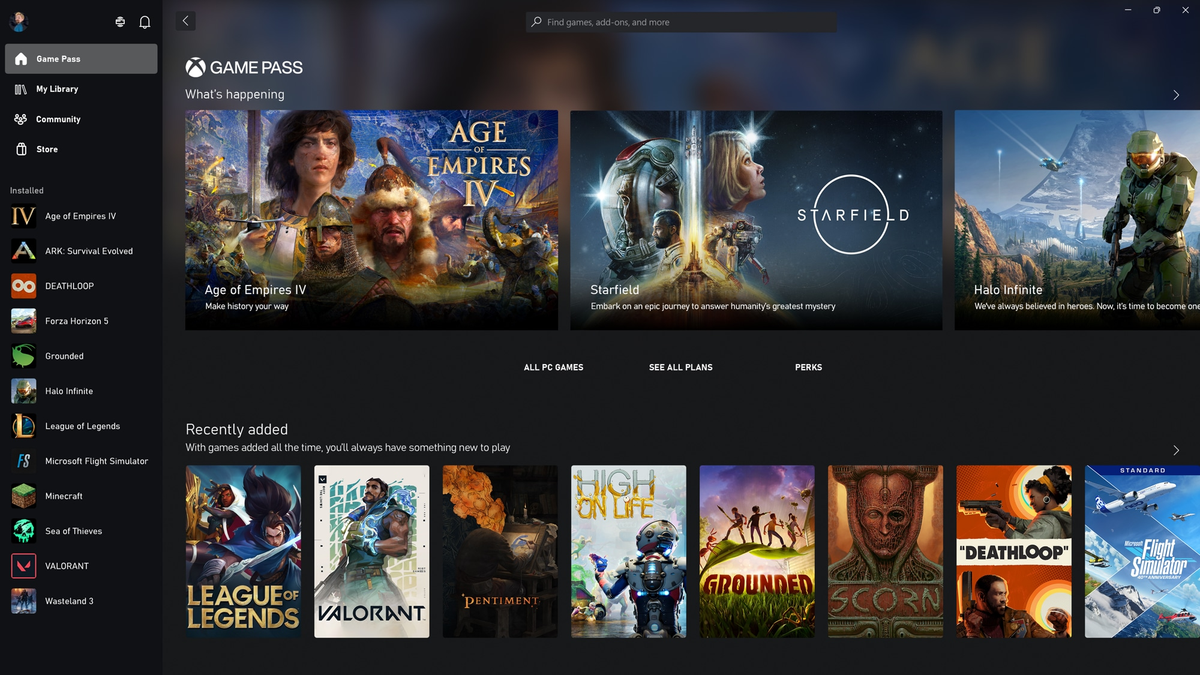
Get your game on
Play hundreds of PC games, and day one blockbusters with your new Alienware PC and PC Game Pass — including EA play. With new games added all the time, there’s always something new to play¹⁰.
Ports and slots
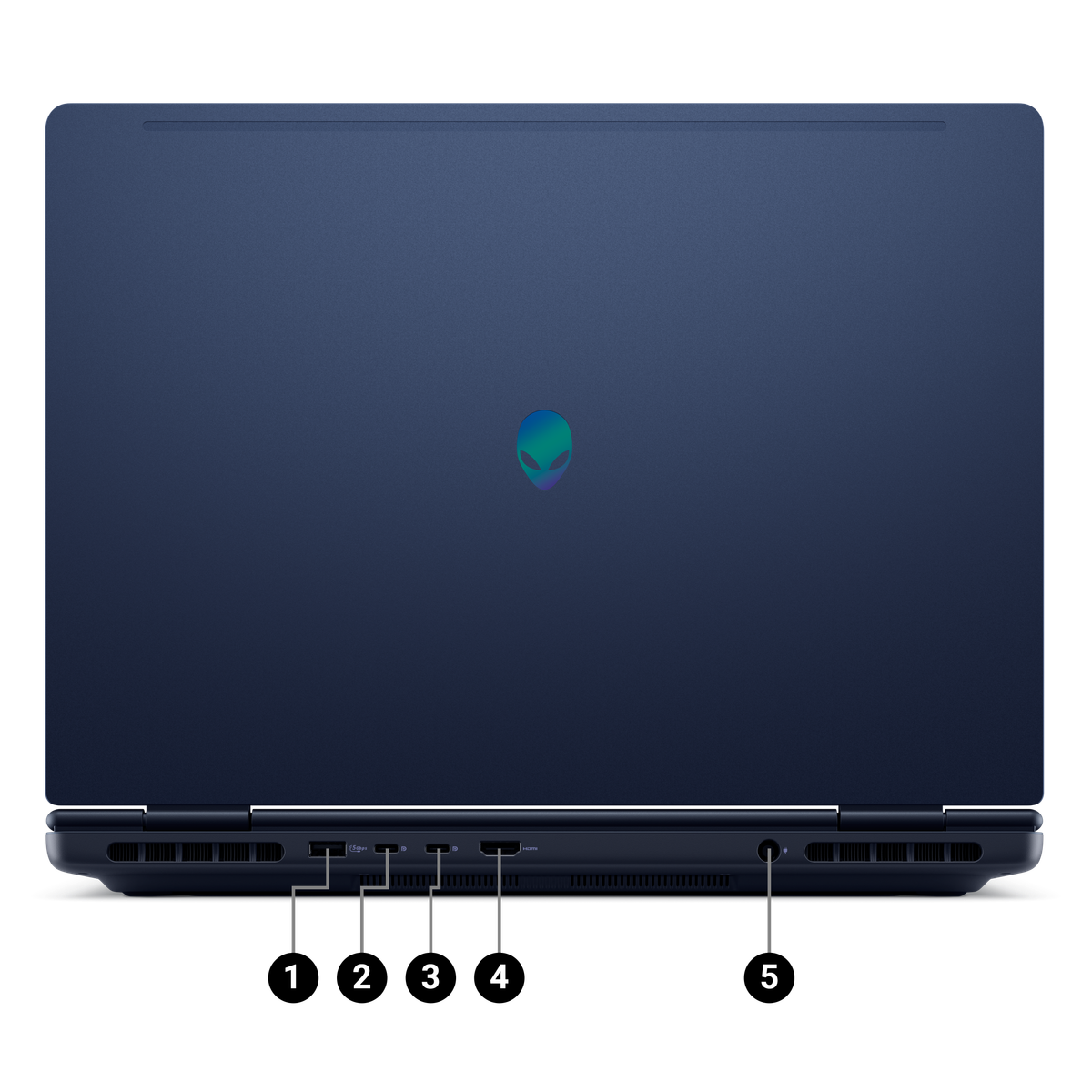
Rear view
- USB Type-A 3.2 Gen 1 Port
- Type-C® Port (USB 3.2 Gen 2, DisplayPort™ 1.4) (iGPU)
- Type-C® Port (USB 3.2 Gen 2, DisplayPort™ 1.4a) (iGPU)
- HDMI 2.1 (dGPU)
- Power/DC-in Port
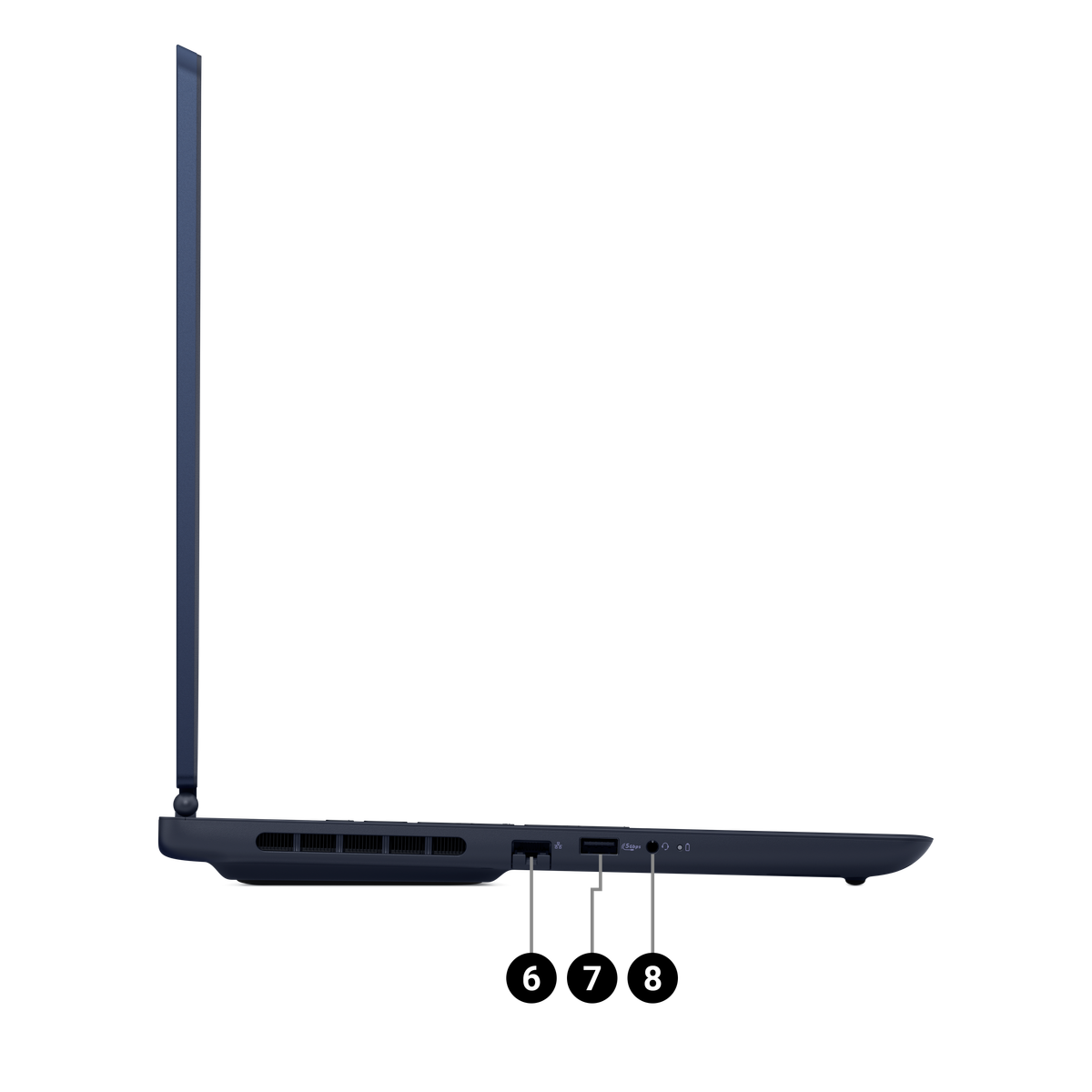
Left view
6. RJ-45 Ethernet
7. USB Type-A 3.2 Gen 1 Port
8. Global headset jack
Dimensions and weight
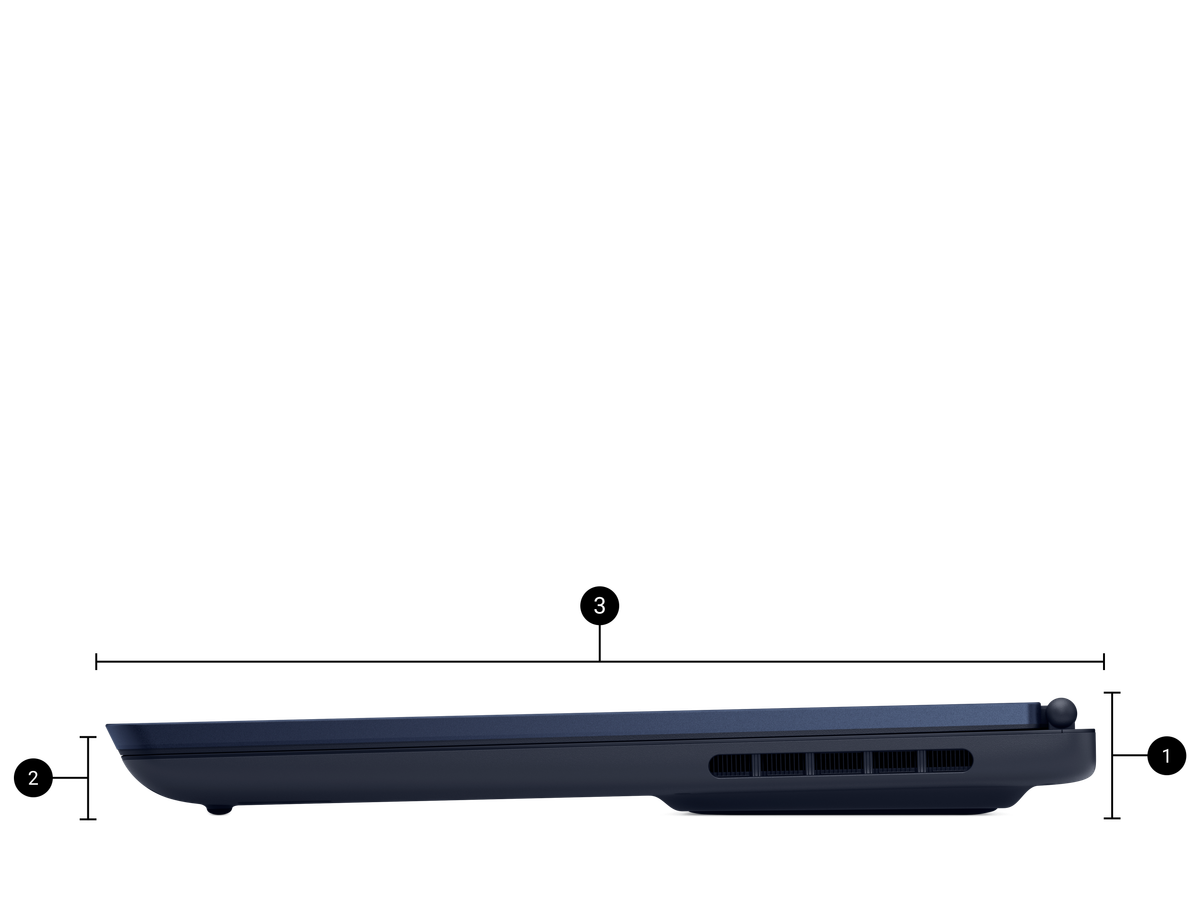
- Height (max): 22.70 mm (0.89 in.)
- Height (front): 18.60 mm (0.73 in.)
- Depth: 265.43 mm (10.45 in.)
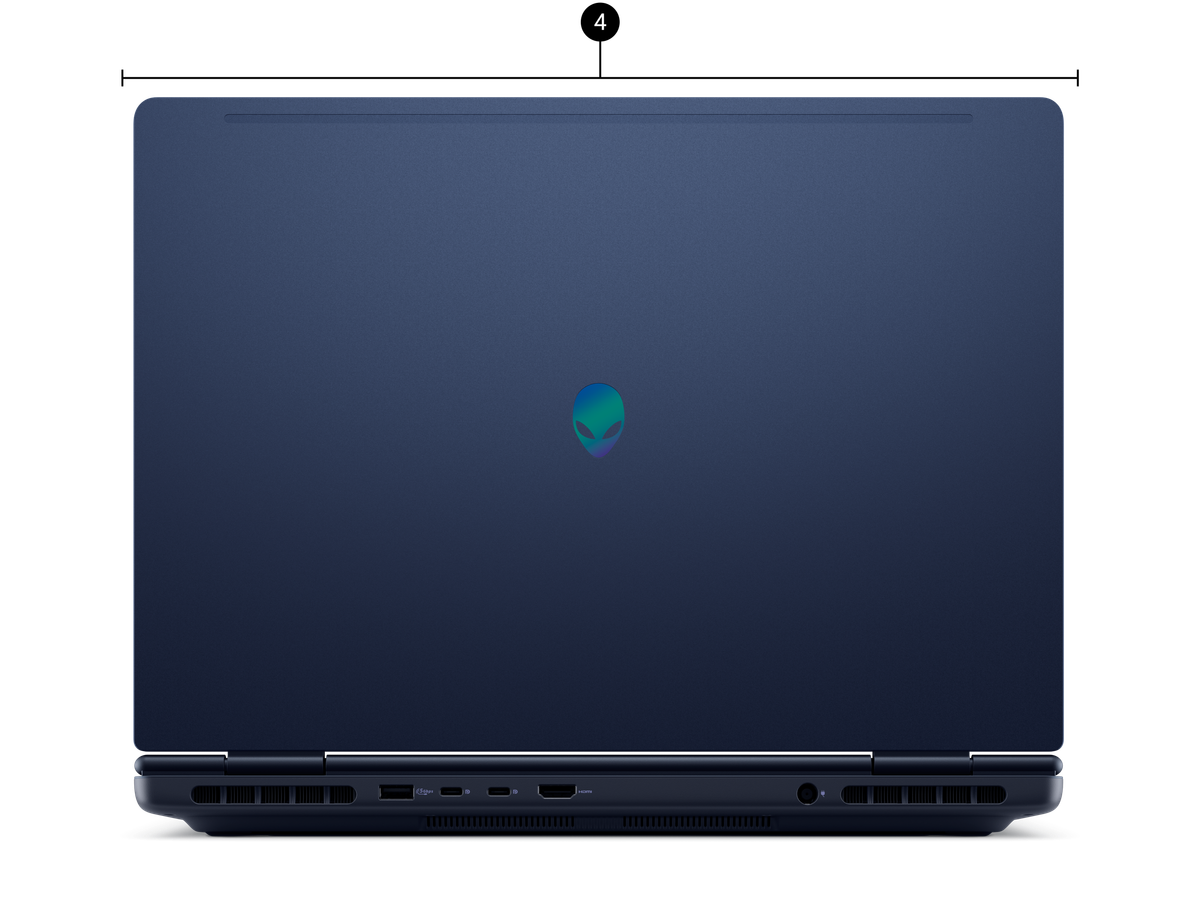
4. Width: 356.98 mm (14.05 in.)
Maximum weight: 2.57 kg (5.68 lb)¹¹
130W power adapter: 0.52 kg (1.15 lb)¹²
180W power adapter: 0.58 kg (1.25 lb)¹³
Regulatory Product Compliance & Environmental
Dell Technologies is committed to compliance with the laws and regulations in each country into which the company ships it's products. Dell products are designed and tested to meet the appropriate worldwide standards for Product Safety, Electromagnetic Compatibility, Ergonomics, and other regulatory compulsory requirements when used for their intended purpose.
In addition, Dell products are developed with design for the environment in mind. Our environmental stewardship program drives conservation of product energy consumption, develops methods to reduce or eliminate materials for disposal, prolongs product life span, and provides effective and convenient equipment recovery solutions.
1. Available on configurations with NVIDIA® GeForce RTX™ 5070 with Dynamic Boost.
2. Purchase model configurations will vary. Subject to third party purchase of additional storage. SSDs are user-replaceable for up to 2TB of total SSD storage. It's recommended to add a bracket and thermal pad when you add 2230 SSD to upgrade your storage capacity.
3. Quiet mode lowers noise produced by your system's cooling fans when possible. While your computer's performance might be slightly impacted, this option may also reduce both CPU and GPU power consumptions.
4. Alienware Elite Care requires a separate purchase. Designated tech support - Availability may differ outside of North America and is limited to commercially reasonable efforts. For more information, visit www.dell.com/support to determine how to get more assistance.
5. Accidental damage coverage excludes theft, loss, and damage due to fire, flood, or other acts of nature, or intentional damage. Customer must return damaged unit. Limit of 1 qualified incident per contract year.
6. For supported system and requirements, please refer to our user guide (SupportAssist for Home PCs version for personal use) or administrator guide (SupportAssist for Business PCs version for PC fleet management) and select supported PCs. Proactive and predictive capabilities depend upon your active service plan and Dell Technologies business rules. For ProSupport Suite for PCs capabilities view our administrator guide and select Connect and manage capabilities and Dell service plans. For Premium Support Suite for PCs capabilities view the user guide and select SupportAssist capabilities and Dell Services plans.
7. Timing of feature delivery varies by device. Feature availability varies by market. Requires Microsoft account sign in.
8. Copilot in Windows availability depends on local government regulation. For regions where Copilot is not available, pressing the Copilot key will bring up the Windows search menu.
9. Subscription sold separately.
10. Credit card required. Subscription continues automatically at regular monthly price unless cancelled. Subject to xbox.com/subscriptionterms. Digital Direct: Your digital content will be delivered directly to your device during set up; no codes required.
11. Weights vary depending on configurations and manufacturing variability.
12. 130W power adapter required for configurations with NVIDIA® GeForce RTX™ 3050 and 4050 graphics.
13. 180W power adapter required for configurations with NVIDIA® GeForce RTX™ 5070 graphics.