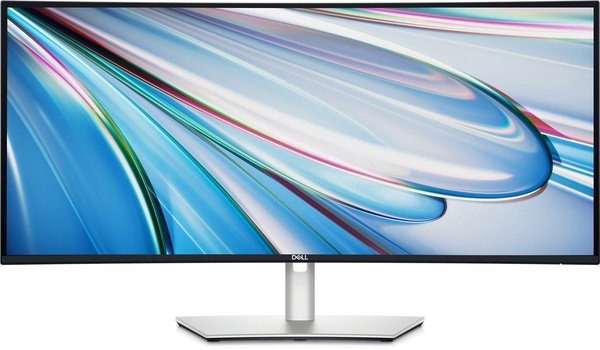
Dell UltraSharp 34 Curved Thunderbolt™ Hub Monitor - U3425WE




Diagonal Size

Resolution / Refresh Rate

Panel Technology

Adjustability
Height, Tilt, Swivel

Color Gamut
DCI-P3 98%, Display P3 98%, sRGB 100%, BT.709 100%, DCI-P3, Display P3, sRGB & BT.709: Delta E < 2 (average)

Ports
1 x HDMI port (HDCP1.4 & 2.2) (supports up to WQHD 3440 x 1440 100 Hz TMDS as per specified in HDMI 2.1)
1 x DP 1.4 (HDCP1.4 & 2.2) (supports up to WQHD 3440 x 1440 120 Hz)
1 x Thunderbolt™ 4 downstream port (15 W) for daisy chaining (Video + Data)
1 x Thunderbolt™ 4 upstream port (Video + Data). Alternate mode with DisplayPort 1.4, Power Delivery up to 90 W
1 x USB-Type C upstream port (data only) (super speed USB 10 Gbps, USB 3.2 Gen2)
4 x USB Type-A downstream port (super speed USB 10 Gbps, USB 3.2 Gen2)
1 x Audio line-out port
1 x RJ45 Ethernet port, 2.5GbE
1 x USB Type-A downstream port (super speed USB 10 Gbps, USB 3.2 Gen2) with BC1.2 power charging
2 x USB Type-C downstream port (super speed USB 10 Gbps, USB 3.2 Gen2) with power charging (15 W)
World's first 34-inch monitor certified for 5-Star Eye Comfort¹
Feel immersed in detail-oriented work with a curved, ultrawide WQHD screen.
Smoother visual experience
A 120Hz refresh rate delivers less flicker, more seamless scrolling and smoother motion than 60Hz monitors.Ambient Light Sensor
A built-in Ambient Light Sensor intelligently optimises brightness and colour temperature based on your surroundings.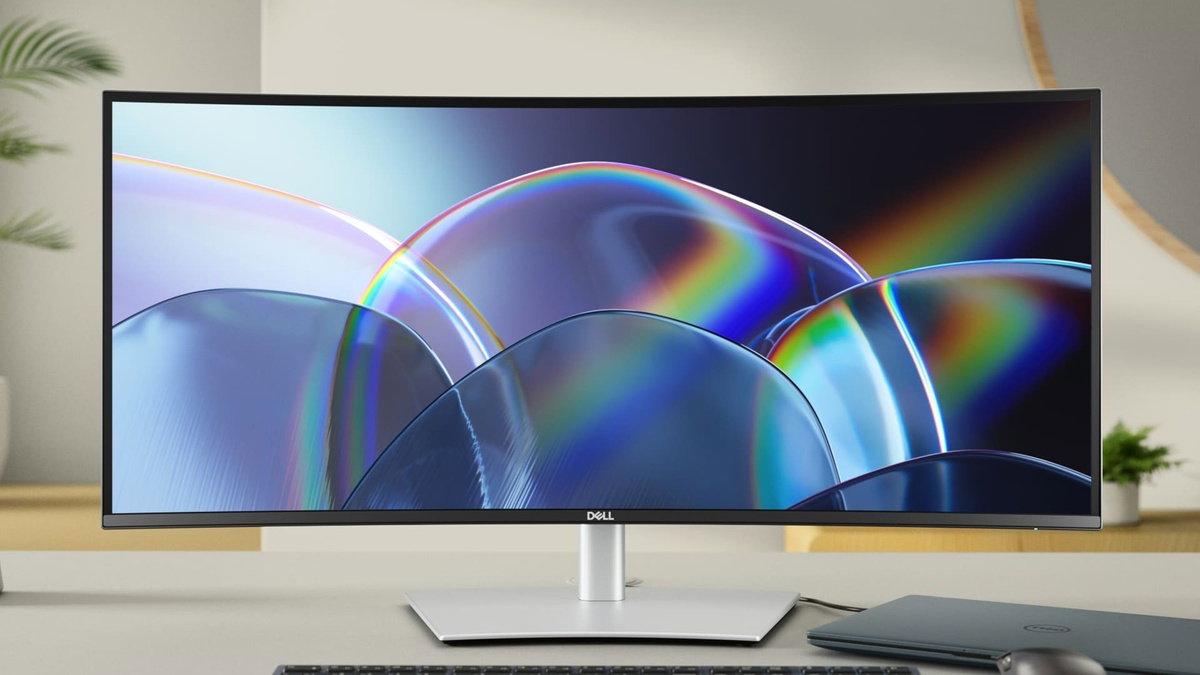
Improved ComfortView Plus
Our latest monitors reduce harmful blue light emissions to ≤35%, compared to ≤50% from the previous generation, for all-day eye comfort without sacrificing colour accuracy.

See more detail than ever before
WQHD
98 %
IPS Black
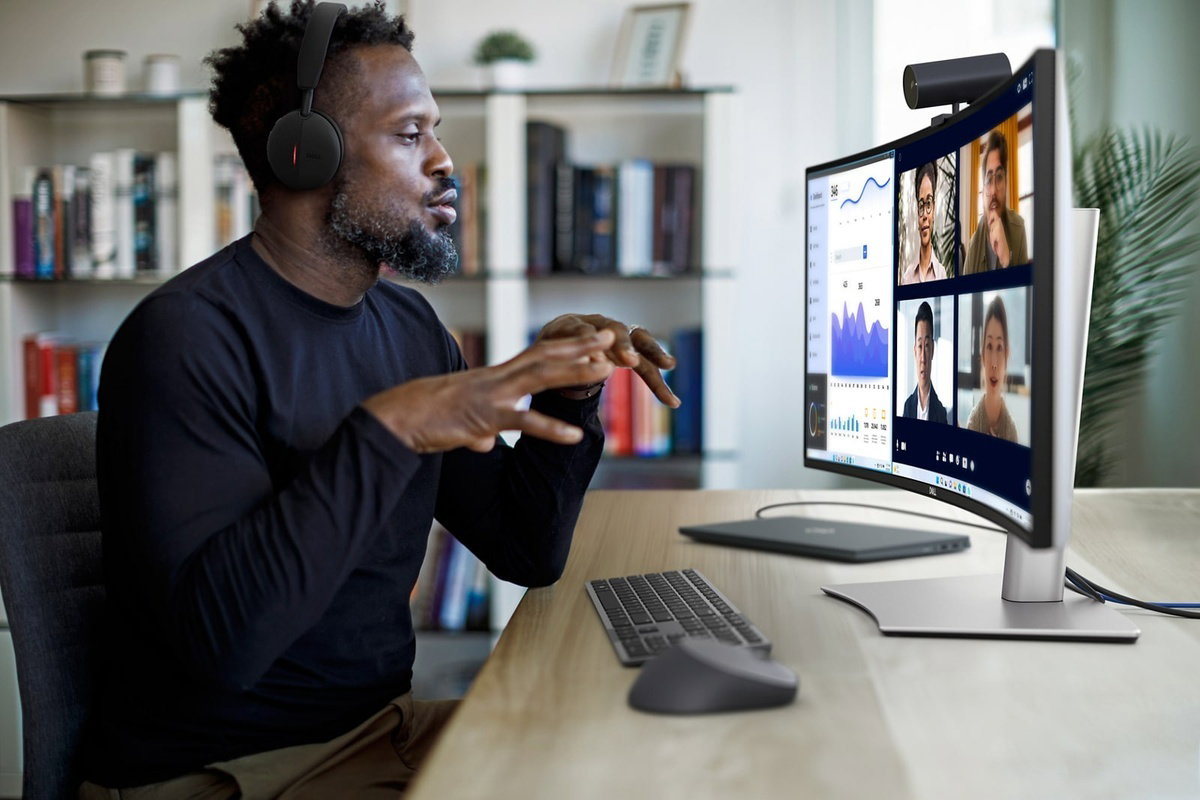
Internal Multi-Stream Transport (iMST)
Partition your display as if there were two 1720x1440 physical monitors instead of one. No external software or DisplayPort splitter needed.Connect with ease
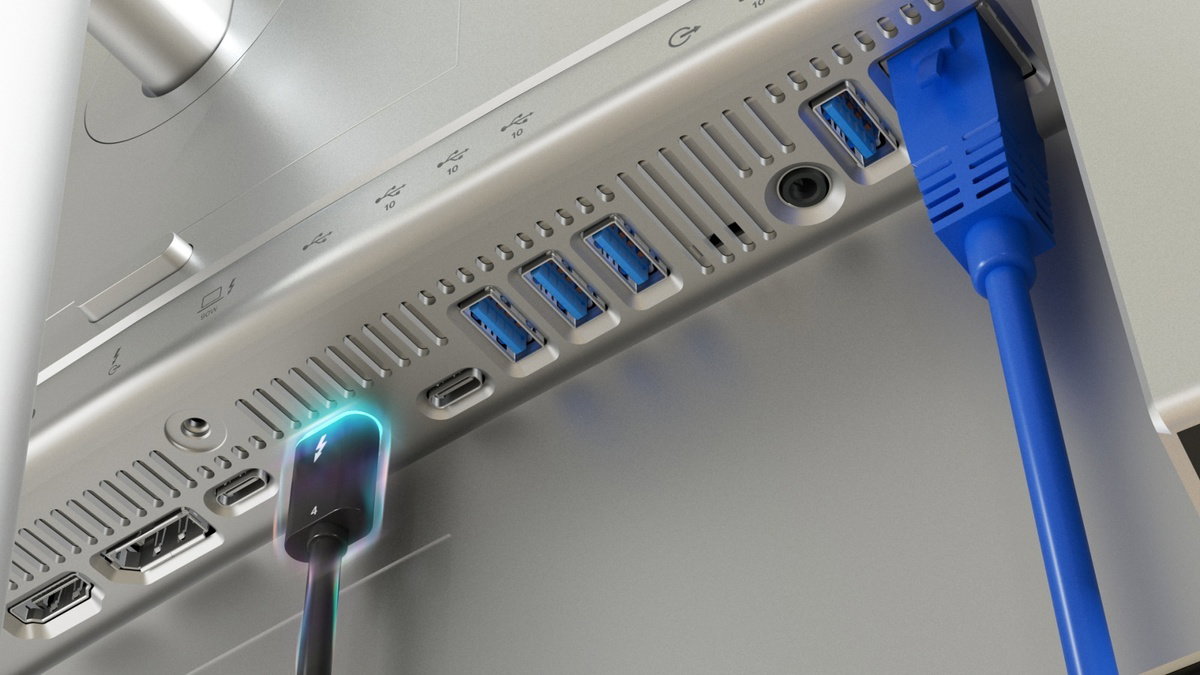
Thunderbolt™ 4
Power your devices with a single cable connection with up to 90W power delivery.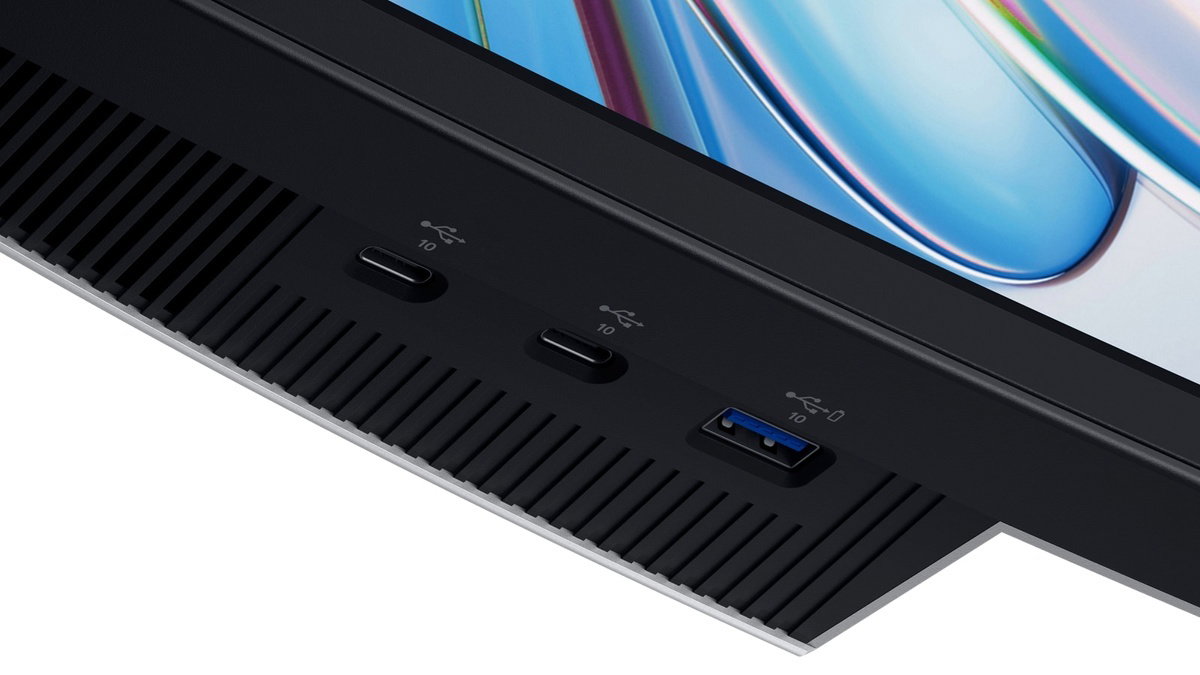
Extensive connectivity
Connect all your devices with over a dozen ports, including quick access ports.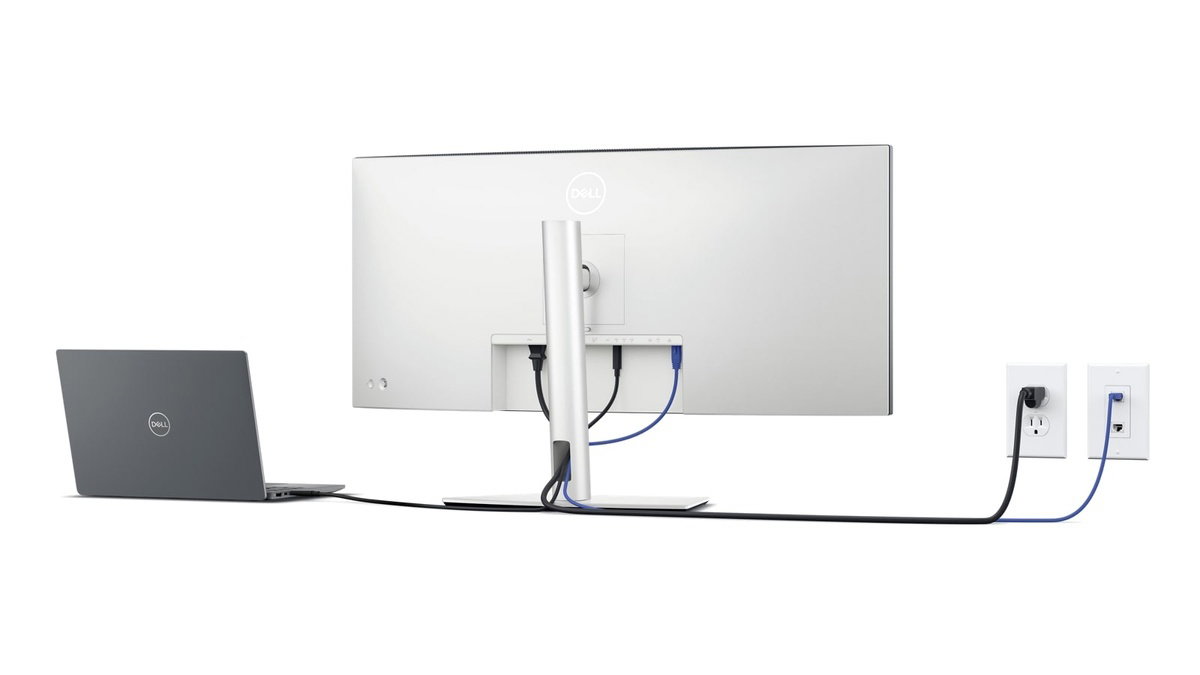
Stay online
Connect to the Ethernet with a built-in RJ45 port with up to 2.5GbE.Works seamlessly with devices on macOS®*
Tested with devices on macOS, this Thunderbolt monitor with Display P3 colour is your ideal Mac® devices companion for superb colour coverage and accuracy. Daisy chaining² multiple displays via a single cable requires Thunderbolt connectivity. Please check your device for compatibility, as select M-series chips may not support some features. Install Dell Display and Peripheral Manager application to customise advance settings.
*Based on internal testing of Dell monitors connected to devices on macOS via Thunderbolt, June 2024. Some features may not be supported.
Dell Display and Peripheral Manager
Experience Dell’s singular, innovative application to optimise the performance of your entire Dell PC workspace³.
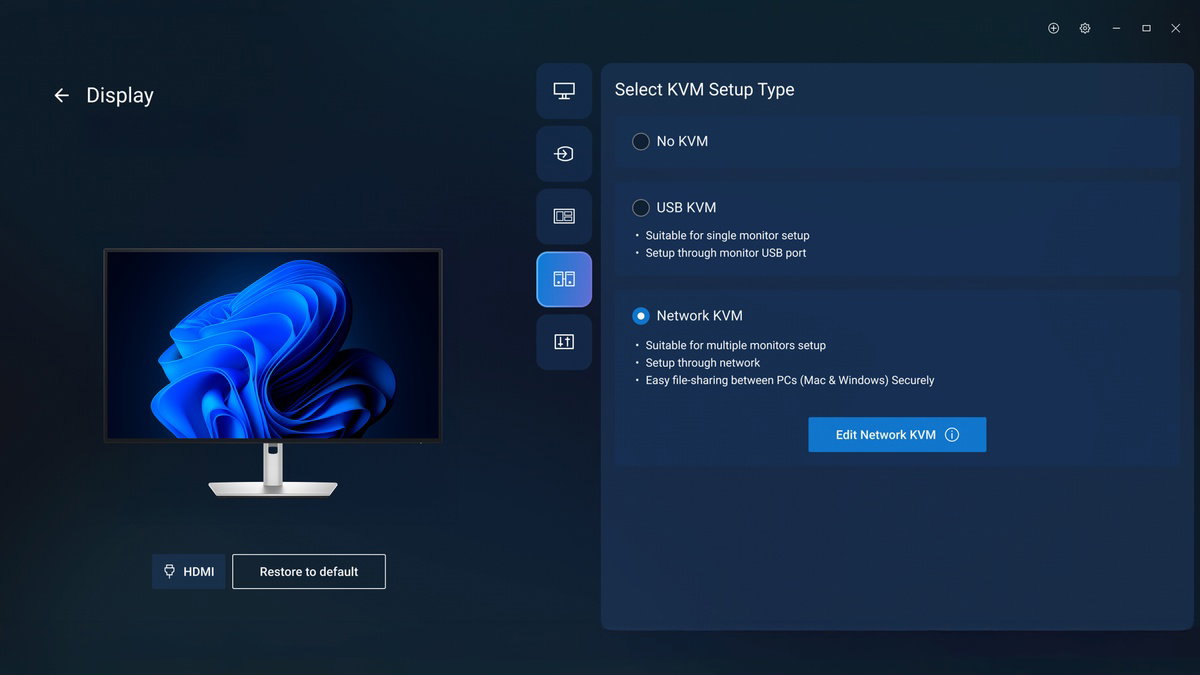
Maximise productivity
Easy Arrange tiles apps across screens with pre-set partitions and customises up to five windows, enhancing multitasking. Easy Arrange Memory saves and restores app profiles manually, on schedule, or at start-up.
Easy navigation
Control and work across multiple network or USB connected PCs and monitors with a single keyboard and mouse, seamlessly transferring files between them⁴.
More manageable
Save time and boost IT efficiency with the Dell Device Management Console to manage your Dell peripheral fleet at scale, from a single cloud-based console. Discover expanded Command Line Interface features from Dell Display and Peripheral Manager³.
Disclaimer: Screen image simulated for illustrative purposes only. Monitor model may vary.
Dell Colour Management
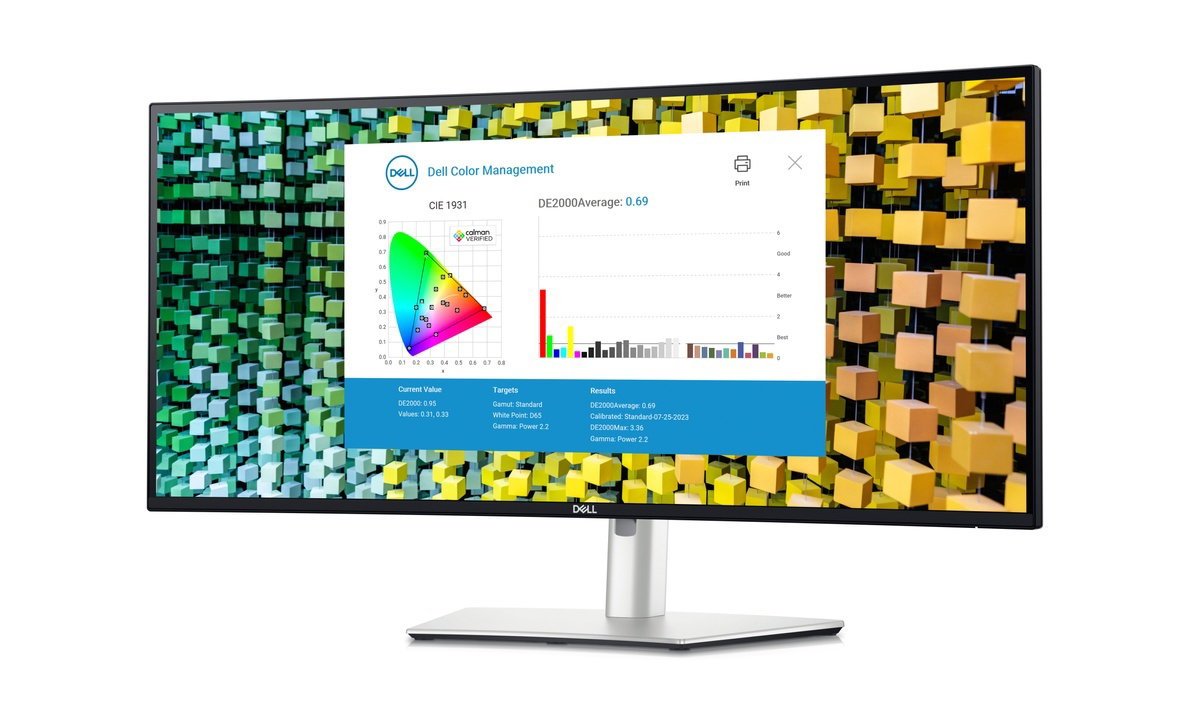
Customisable colours
Easily calibrate your monitor’s colours on the new Dell Colour Management software⁵, with Calman Verified certification.
Tailored to you
Create, store, and manage ICC profiles on your computer dynamically through the software dashboard.
Wide compatibility
Dell Colour Management software is compatible with multiple operating systems including Windows and macOS®.
Environmentally-forward thinking
Sustainable materials
This monitor is made with 50% recycled steel, 85% post-consumer recycled plastics including closed-loop plastics, 100% recycled aluminum⁶and at least 20% recycled glass⁷.
Packaging innovation
Ships in a box made with 100% renewable content that is also recyclable.⁹
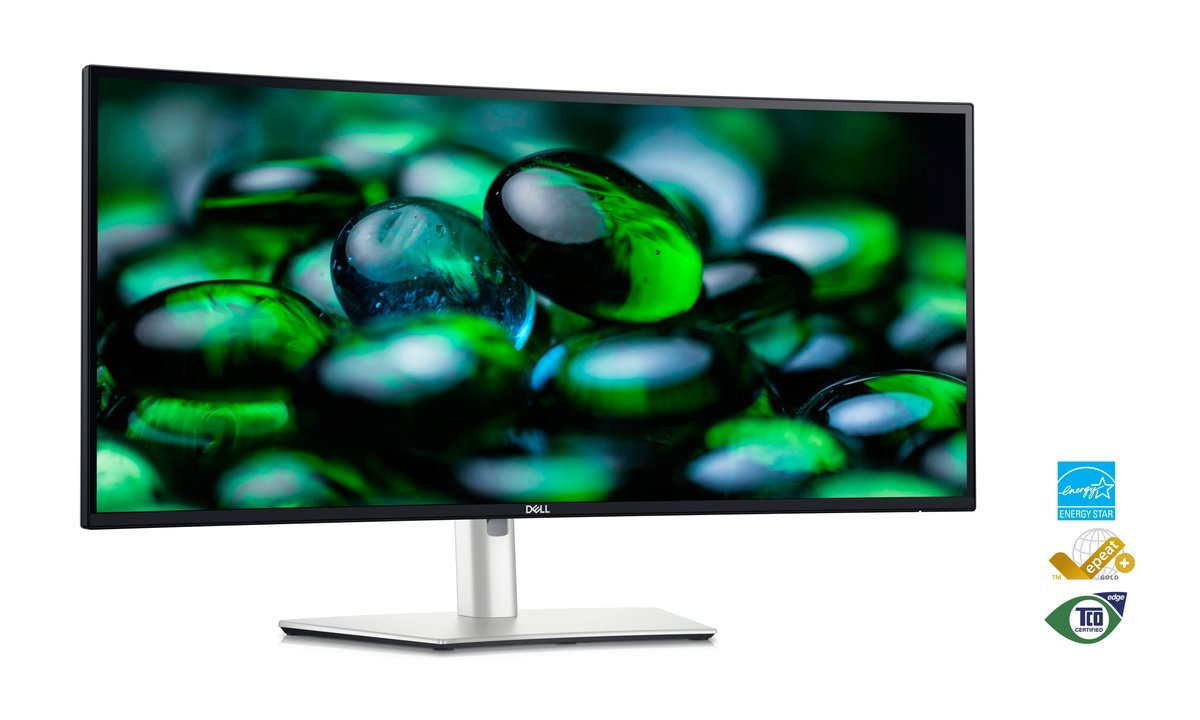
Energy conservation
Using PowerNap mode in Dell Display Manager lowers energy use by up to 14.8%.⁸
Elevated standards
Meets highest environmental standards and registered EPEAT Gold with Climate+ designation - this monitor has met Dell's best practices for decarbonisation.¹⁰
Connectivity Options

Bottom and rear view
- Security lock slot (based on Kensington Security Slot™)
- Power connector
- HDMI (HDCP1.4 & 2.2) (supports up to WQHD 3440 x 1440 100 Hz TMDS as per specified in HDMI 2.1)
- DisplayPort 1.4 (HDCP 1.4 & 2.2)
- Stand lock
- Thunderbolt™ 4 downstream port (15W) for daisy chaining
- Thunderbolt™ 4 upstream port (Video + Data). Alternate mode with DisplayPort 1.4, Power Delivery up to 90W
- USB Type-C upstream port (data only) (SuperSpeed USB 10 Gbps, USB 3.2 Gen 2)
- 3x USB Type-A downstream port (SuperSpeed USB 10 Gbps, USB 3.2 Gen 2)
- Audio line out
- USB Type-A downstream port (SuperSpeed USB 10 Gbps, USB 3.2 Gen 2)
- RJ45 Ethernet port, 2.5GbE
- USB Type-A downstream port (SuperSpeed USB 10Gbps, USB 3.2 Gen 2) with BC1.2 power charging
- 2x USB Type-C downstream port (SuperSpeed USB 10 Gbps, USB 3.2 Gen 2) with power charging (15W)
- Speakers
Included Cables
- Power cable
- DisplayPort 1.4 cable - 1.8 m
- USB Type-A to USB Type-C Gen 2 cable - 1 m
- Thunderbolt™ 4 passive cable - 1 m
- HDMI cable - 1.8 m
1. Based on Dell analysis of 34" resolution monitors with TUV Rheinland’s® Eye Comfort certification December 2023.
2. Daisy-chaining is supported on select Dell monitors. Please check device compatibility.
3. Based on Dell internal analysis, November 2024.
4. KVM (keyboard, video, mouse) is available on select monitors only. For monitors that don’t support USB KVM, the input source feature is an alternative. You can share multiple input sources to one monitor, but you cannot share one keyboard and mouse.
5. Compatible with external colorimeter (Portrait Displays: C6 HDR2000, X-Rite: i1Display Pro, i1Display Pro Plus, Klein Instruments: K10, Calibrate: ColorChecker Display Pro, ColorChecker Display Plus), sold separately.
6. Based on internal analysis, November 2023. Plastic percentage is based on total plastic weight. Recycled steel: 50% recycled steel in monitor bracket. Recycled aluminum: 100% recycled aluminum in monitor stand.
7. Applicable to all new monitors launching in CY 2024. Recycled glass is present in monitor panel. Based on internal analysis, January 2024.
8. The calculation assumes the monitor is used for 10 hours a day, including 1.5 hours of idle time with display in sleep mode when the device screensaver is on. Based on internal analysis, May 2023.
9. Applies to all Dell monitors launched since 2023. Made from FSC mix sources which is a mix of material from FSC certified forests, recycled content and/or FSC controlled wood. Based on internal analysis, August 2023.
10. Based on internal analysis, November 2023. Based on EPEAT Climate+ Designations achieved in all applicable countries. EPEAT registered where applicable. EPEAT registration varies by country. See www.epeat.net for registration status and tier levels by country.