Dell UltraSharp Webcam - WB7022 - 4K UHD
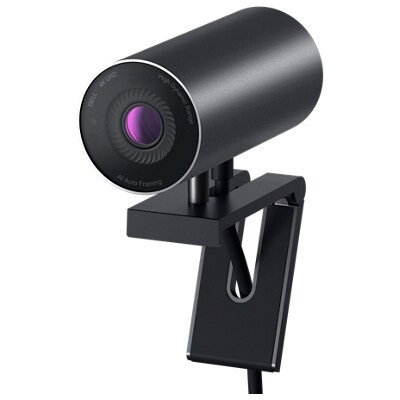
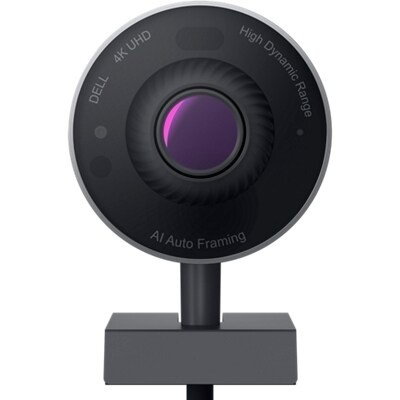
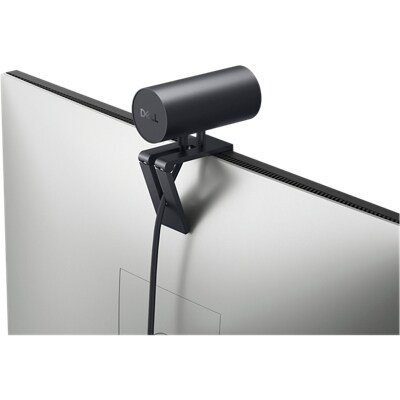
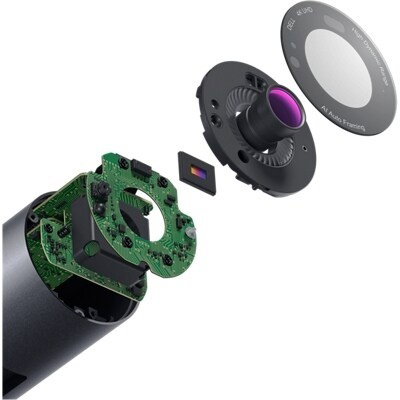
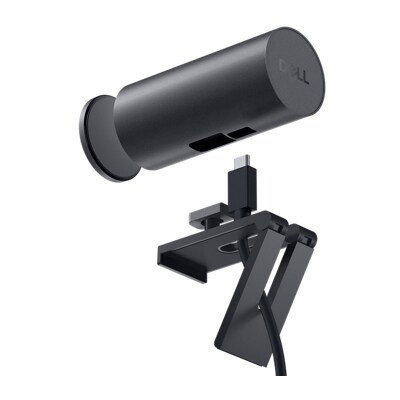
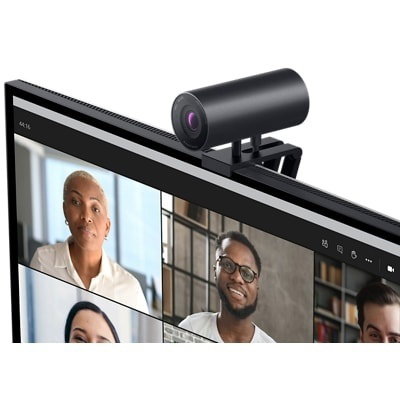
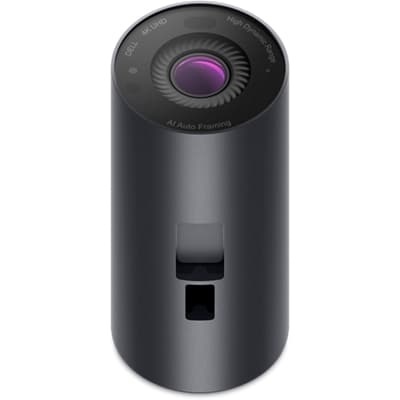
Experience exceptional image quality on a premium 4K webcam.
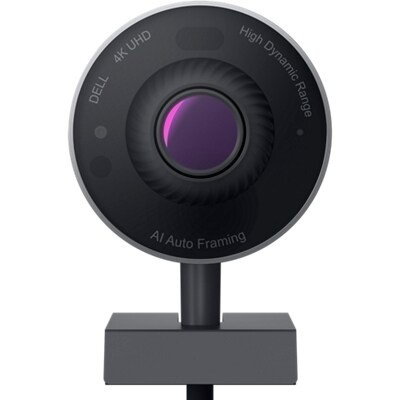

Resolution
4K UHD / 24, 30
Full HD / 24, 30, 60
HD / 24, 30, 60a
Sensor
Large Sony STARVISTM CMOS sensor

Field of View
65, 78, 90 degree

Intelligent Features
(1) Advanced Digital Overlap (DOL) HDR
(2) Video Noise Reduction (3D+2D)
- Temporal Noise Reduction (3DNR)
- Spatial Noise Reduction (2DNR)

Cables
USB-C to USB-A, 2m/79inch

Software
Dell Peripheral Manager for Windows OS
Dell Display and Peripheral Manager for Mac OS
Connect like you’re there
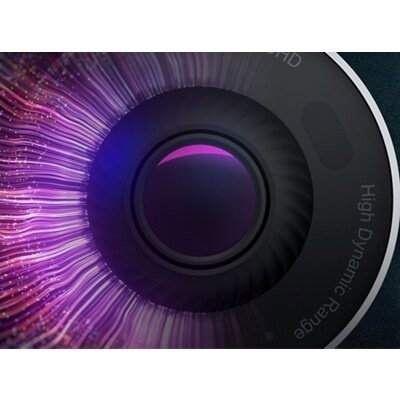
Our 4K High Dynamic Range (HDR) webcam with a large 4K Sony STARVIS™ CMOS sensor captures more light delivering crystal-clear video.
Look great, always
Digital Overlap HDR delivers true-to-life color in extreme lighting environments, while 3D/2D video noise reduction automatically eliminates motion blur and grainy images, even in low light–so you always look great.
DELL ULTRASHARP WEBCAM VS COMPETITOR WEBCAM

Keeping you in focus
Advanced AI auto framing works to always stay focused on what matters most—you. It keeps you at the center of the picture no matter where you move. You can also control the sensitivity and how quickly the camera tracks you, and how tight the framing is.
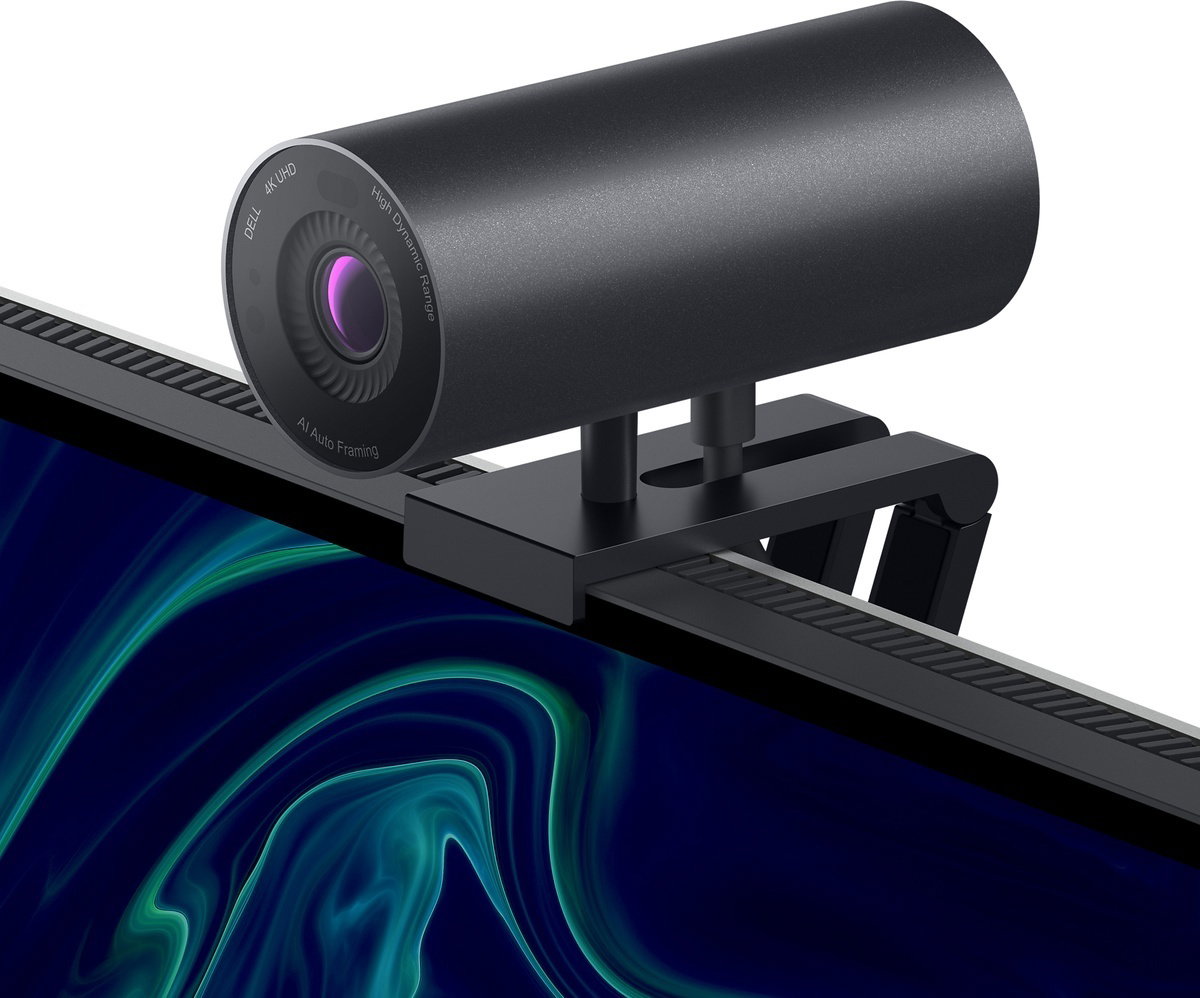
Bezproblemowa obsługa
Zaprojektowana z myślą o praktycznie bezramkowych wyświetlaczach kamera internetowa mocowana do monitora za pomocą magnesu bez konieczności stosowania dodatkowych narzędzi nie blokuje nawet pojedynczego piksela. Dzięki temu najbardziej bezproblemowemu rozwiązaniu do montażu kamery internetowej jej mocowanie jest niezwykle łatwe.
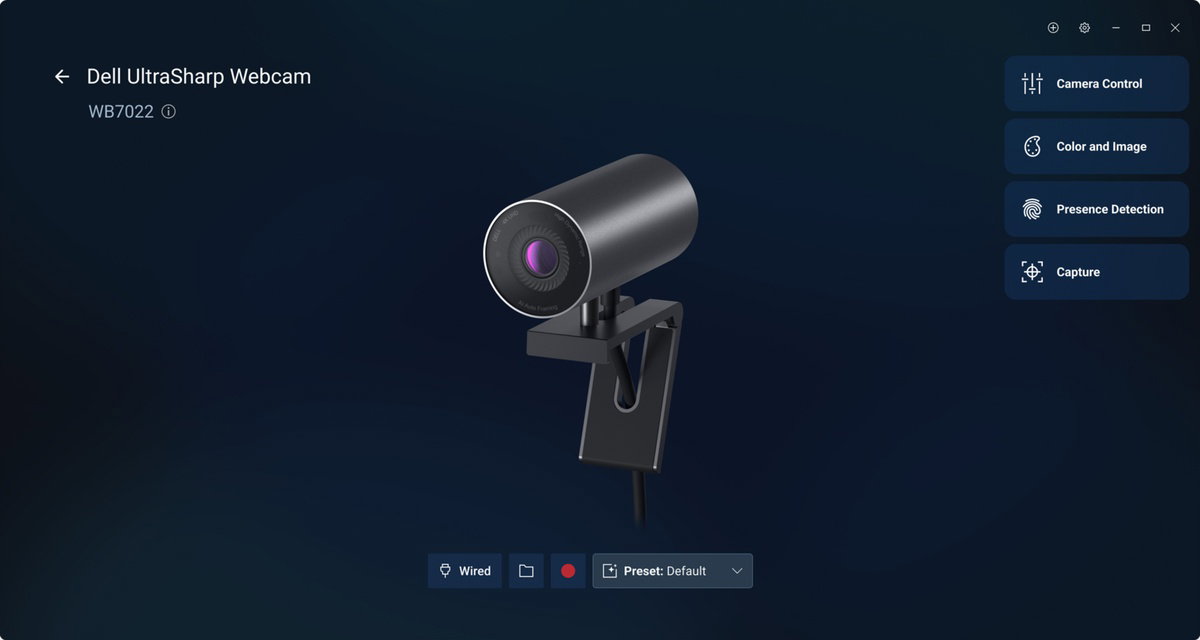
Dell Display and Peripheral Manager
Experience Dell’s singular, innovative application to optimize the performance of your entire Dell PC workspace¹.
Engaging interactions
Download Dell Display and Peripheral Manager to unlock a more personalized, day-to-day video experience.
With just a few clicks, you can fine-tune lighting and color, choose your ideal field of view, turn on auto-framing to stay naturally in focus, showcase notes and sketches during virtual calls, and more.
All in one intuitive interface, DDPM helps you consistently present a polished, professional image in every meeting.
More manageable
Save time and boost IT efficiency with the Dell Device Management Console to manage your Dell peripheral fleet at scale, from a single cloud-based console. Discover expanded Command Line Interface features from Dell Display and Peripheral Manager.
Disclaimer: Screen image simulated for illustrative purposes only.

The full picture
Customize how much you want to show of yourself and your surroundings by adjusting your field of view to 65°, 78° or 90°.
Secure every interaction

Facial recognition
Dell ExpressSign-in detects your presence when you are close and uses Windows Hello to automatically log you in. When you walk away, it locks your system for increased security.
Privacy in a snap
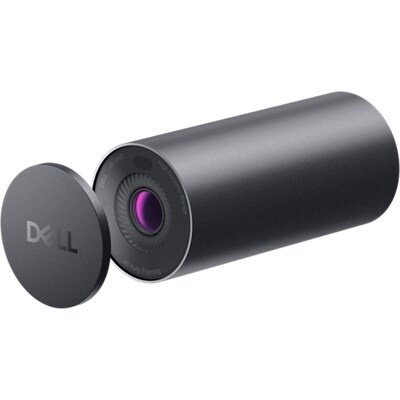
A privacy shutter cap allows you to conveniently snap the cover on the lens and keep it protected when not in use.

Dimensions & Features
1. Based on Dell internal analysis, November 2024.