
Evnia
Philips Evnia gives you elite gaming flexibility — switch between 4K UHD at 160Hz for immersive, crystal-clear detail, or FHD at 320Hz for esports-level responsiveness. Fast IPS, HDR, and low input lag deliver every frame with precision.
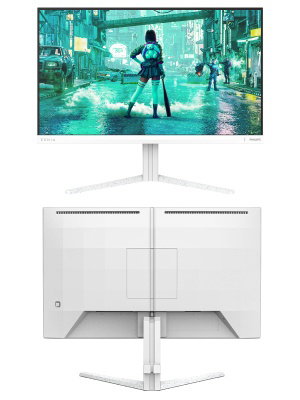
Evnia Fast IPS Gaming monitor
Broaden your gaming horizon
This Fast IPS monitor elevates your gaming experience with an overclockable 260 Hz refresh rate and 0.3 ms Smart MBR. With sharp HDR imagery and Full HD resolution guaranteed, this monitor produces an excellent all-around gaming experience.

- Panel Size: 23.8"/60.5 cm
- LCD panel type: Fast IPS
- Display colours: 16,7 M
- Response time (typical): 1 ms (Grey to Grey)
- Contrast ratio (typical): 1000:1

Ultra-fast 260 Hz refresh rate for virtually lag-free gaming
While playing the most intense, engaging, action-oriented games, Philips Evnia offers an overclockable 260 Hz refresh rate that enhances an ultra-smooth, lag-free gaming experience. It gives superior motion and clarity visuals, especially for fast-paced games like FPS and racing. You will experience deeper immersion and feel alive in-game.

Low input lag reduces time delay between devices to monitor
Input lag is the amount of time that elapses between performing an action with connected devices and seeing the result on screen. Low input lag reduces the time delay between entering a command from your devices to monitor, greatly improving play on twitch-sensitive video games, particularly important for playing fast-paced, competitive games.
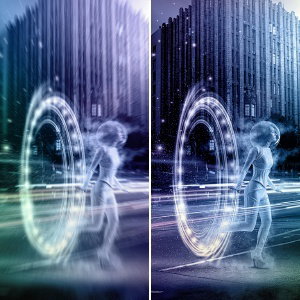
0.3 ms ultra-fast speed for crisp image and smooth gameplay
The Philips display with 0.3 ms Smart MBR effectively eliminates smearing and motion blur, and delivers sharper and more precise visuals to enhance your gaming experience. Fast-moving action and dramatic transitions will be rendered smoothly. The best choice for playing thrilling and movement-sensitive games.
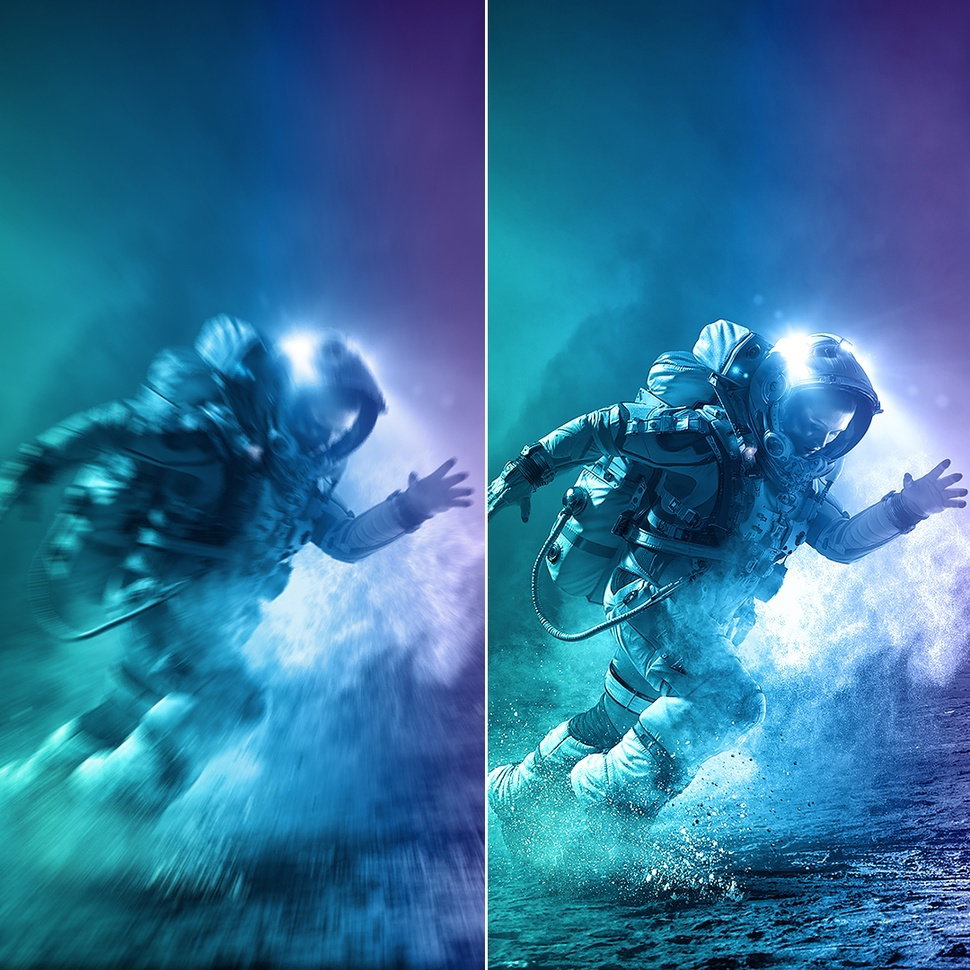
Fast IPS Panel: For rapid and crystal-clear gaming
This feature is made for action-packed gameplay. Not only does it produce virtually blur-free gaming, but it also pairs well with fast frame rates for the best and sharpest imagery, guaranteed.
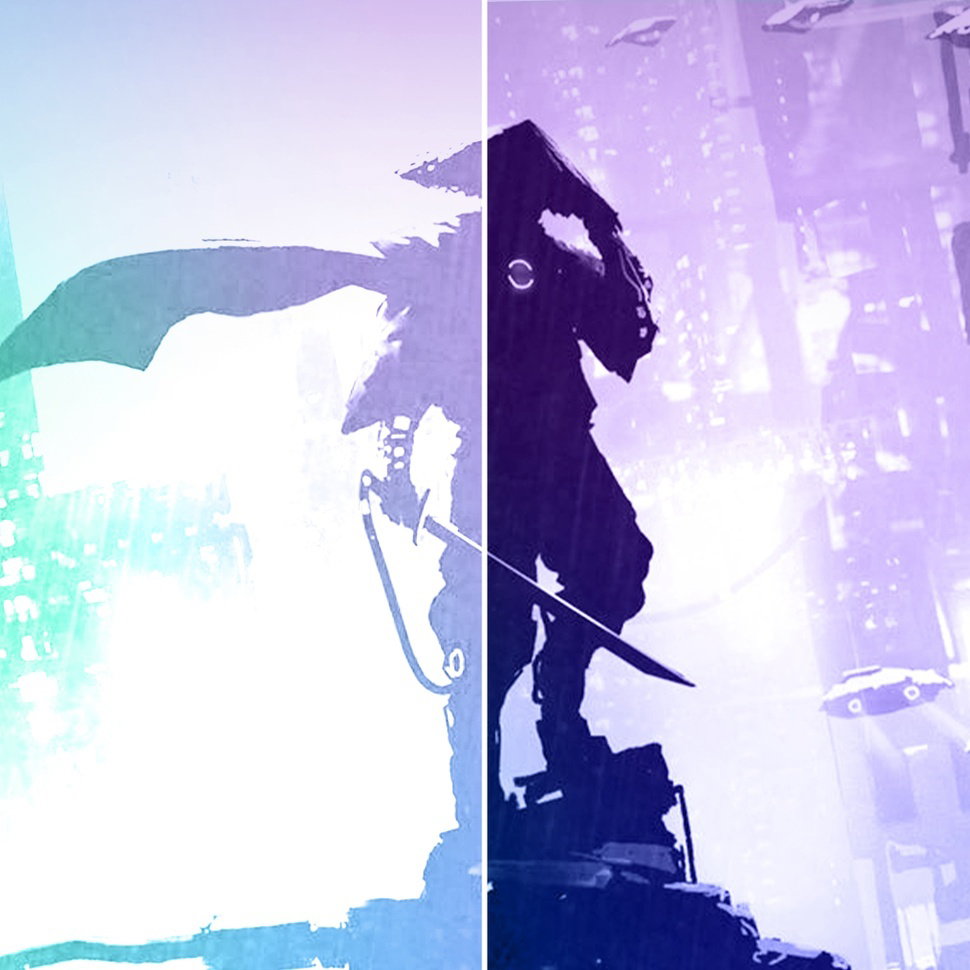
SmartContrast for rich black details
SmartContrast is a Philips technology that analyses the contents you are displaying, automatically adjusting colours and controlling backlight intensity to dynamically enhance contrast for the best digital images and videos or when playing games where dark hues are displayed. When Economy mode is selected, contrast is adjusted and backlighting fine-tuned for just-right display of everyday office applications and lower power consumption.
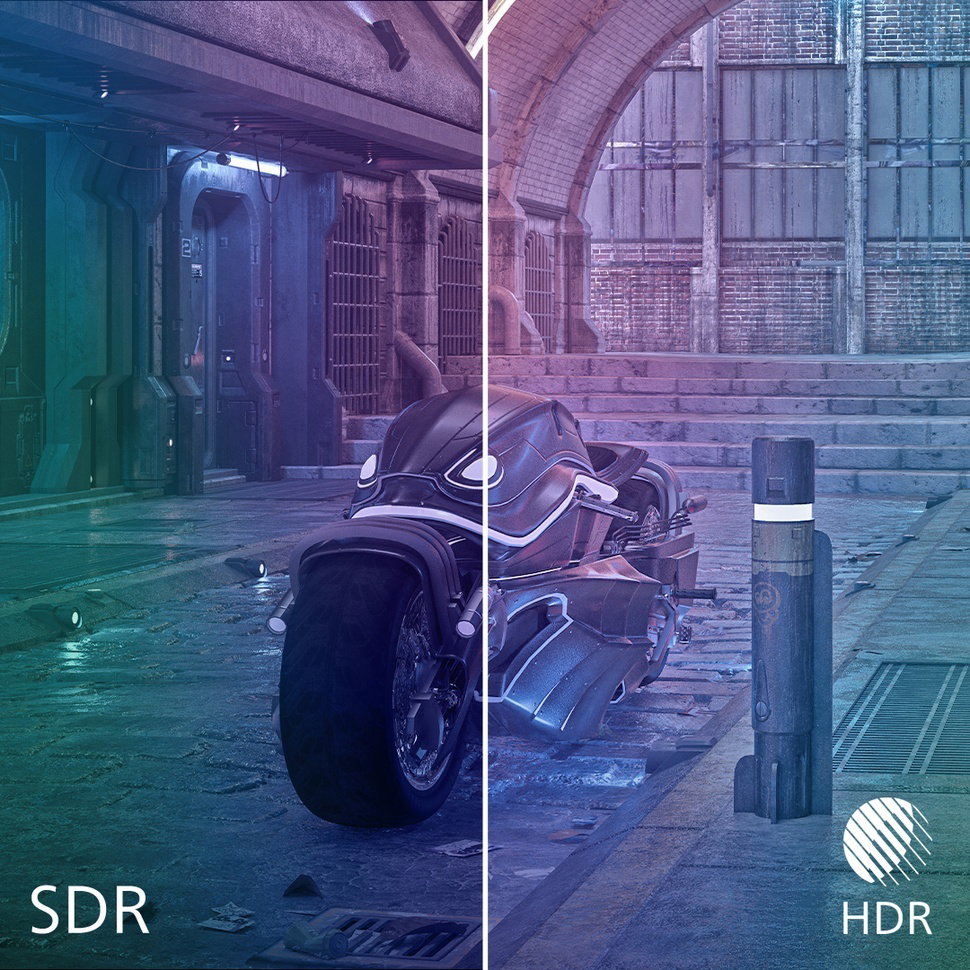
HDR for more lifelike colourful visuals
HDR delivers a dramatically different visual experience. With astonishing brightness, incomparable contrast and captivating colour, images come to life with much greater brightness while also featuring much deeper, more nuanced darks. It renders a fuller palette of rich new colours never before seen on a display, giving you a visual experience that engages your senses and inspires emotions.

SoftBlue Technology: for comfortable viewing
SoftBlue LED technology, combined with the monitor's low blue light panel, is an effective solution for reducing the adverse health effects caused by excessive exposure to blue light. In this monitor's panel, the ratio of light is reduced by nearly 50 percent while the SoftBlue LED technology works simultaneously by reducing the harmful blue light rays emitted from the screen.

SmartImage game mode optimised for gamers
The new Philips gaming display has quick-access OSD fine-tuned for gamers, offering you multiple options. "FPS" mode (First person shooting) improves dark themes in games, allowing you to see hidden objects in dark areas. "Racing" mode adapts the display with the fastest response time and vivid colour, along with image adjustments. "RTS" mode (Real-time strategy) has a special SmartFrame mode that enables highlighting of specific area and allows for size and image adjustments. Gamer 1 and Gamer 2 enable you to save personal customised settings based on different games, ensuring best performance.

Smart Crosshair: for better aim and more fun
Colour of Crosshair is set by default. When Smart Crosshair is on, the colour will change as a complementary colour to the background colour. Smart Crosshair enhances the aiming accuracy so you can spot the enemies more easily.
Smart MBR: for reducing motion blur.
In an effort to reduce motion blur, this monitor's LED backlight will work simultaneously with the refresh rate to control brightness levels for the best picture clarity. Please note that Smart MBR is a type of gaming mode and it is recommended to turn the function off when not gaming as it may cause screen-flickering.