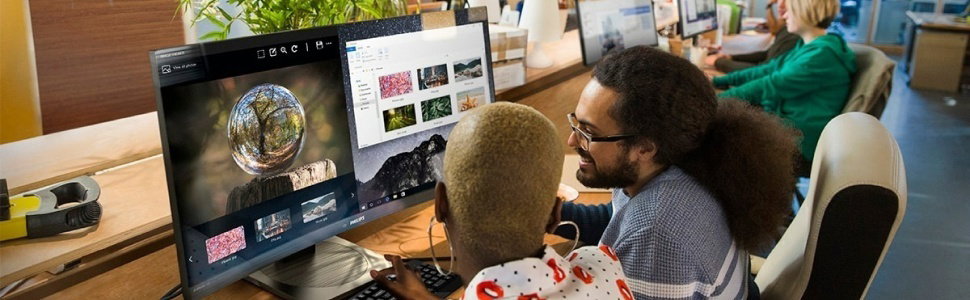
Professional use collection
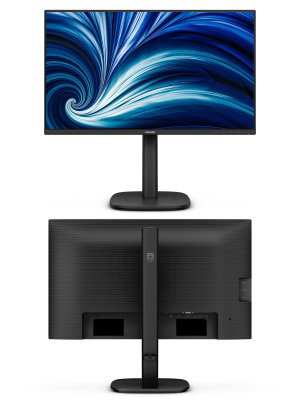
LCD monitor
Redefining workflow productivity
Speed through daily tasks in comfort with this monitor's SoftBlue technology and 120 Hz refresh rate. Productivity-enhancing features like adjustable webcam with Windows Hello deliver the performance and convenience you expect

- 24 (23.8"/60.47 cm diag.)
- 1920 x 1080 (Full HD)
- 3000 series
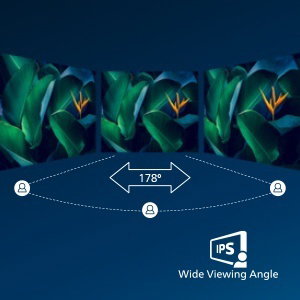
IPS LED wide view technology for image and colour accuracy
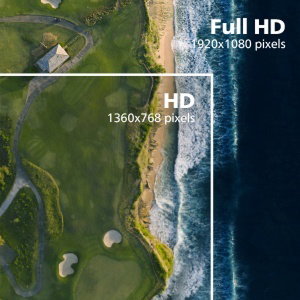
16:9 Full HD display for crisp, detailed images
Picture quality matters. Regular displays deliver quality, but you expect more. This display features enhanced Full HD 1920 x 1080 resolution. With Full HD for crisp detail paired with high brightness, incredible contrast and realistic colours, expect a true-to-life picture.
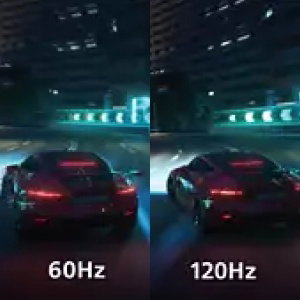
120 Hz refresh rates for ultra-smooth images
The smoother the motion, the less strain on your eyes. This Philips monitor is equipped with an improved 120 Hz refresh rate. Whenever you scroll, switch between applications or navigate complex spreadsheets, you experience smoother and more precise movements. That means you can work as long as you need with minimal visual fatigue—all while increasing the speed of your workflow.

SoftBlue Technology: for comfortable viewing
SoftBlue LED technology, combined with the monitor's low blue light panel, is an effective solution to reduce the adverse health effects caused by intensive exposure to blue light. In this monitor's panel, the ratio of light is reduced by nearly 50%, while the SoftBlue LED technology works simultaneously by reducing harmful blue light rays emitted from the screen. Not to mention, the SoftBlue LED technology is tested and certified by TÜV Rheinland Eyesafe for its effectiveness in reducing blue light emissions.
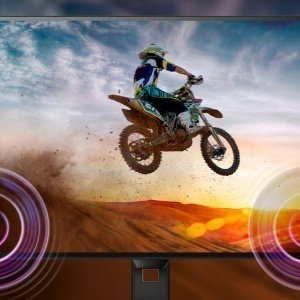
Built-in stereo speakers for multimedia
A pair of excellent-quality stereo speakers built into a display device. They may be visible front firing, or invisible down firing, top firing, rear firing etc. depending on model and design.
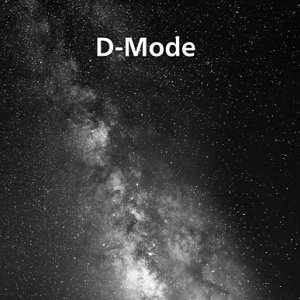
D-Mode: Optimised for subtle greyscale perception
Reveal every hidden detail in the dark-toned areas of your display. D-Mode enhances greyscale detail to make subtle tonal differences easier to see. Based on the greyscale perception model defined by the DICOM Part 14 GSDF standard, it improves the visibility of details that standard display settings may miss. The result is clearer differentiation between subtle shades and improved detail visibility in greyscale content such as technical illustrations, scans and other rich-detail imagery.

Eyesafe-certified blue light protection and colour accuracy
The Philips display meets the eyesafe CERTIFIED 2.0 standard to truly protect you from long exposure to blue light. The always-on blue light filter not only helps reduce digital eye strain, but also guarantees colour integrity.
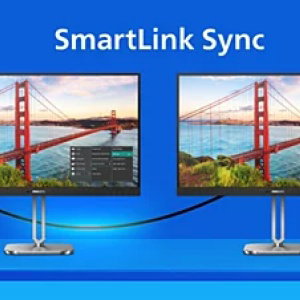
Smart Link Sync: Matches primary display on second screen
When connected as a secondary monitor in a daisy-chain setup with a Smart Link Sync enabled primary display, brightness and colour settings are automatically synchronised. There is no manual adjustments needed. Whether you're designing, presenting or multitasking, enjoy seamless visual consistency across screens. Choose from OSD Sync or Light Sync modes (Low, Mid or Max) in the primary monitor to match your environment.
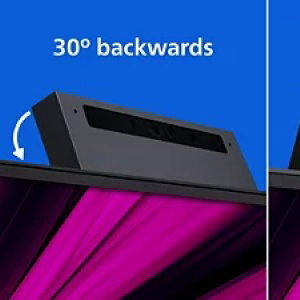
Adjustable Webcam: for video conferencing in comfort.
Level up the comfort of video conferencing with this feature. By adjusting the webcam back and forth by 30 degrees, users can now comfortably call and attend meetings from any position that best suits them.
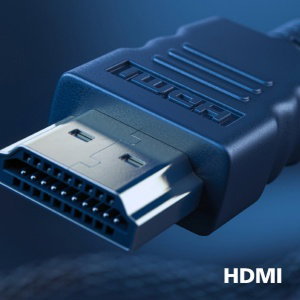
HDMI ensures universal digital connectivity
An HDMI-ready device has all the required hardware to accept High-Definition Multimedia Interface (HDMI) input. An HDMI cable enables high-quality digital video and audio to be transmitted over a single cable from a PC or any number of AV sources (including set-top boxes, DVD players, A/V receivers and video cameras).