Dell Pro Dock - WD25Z


Boost your productivity with the latest pro dock, offering 130W power delivery and a wide variety of connectivity options.

Video Resolution
1280 x 1024
1920 x 1080
2560 x 1440
3840 x 2160
3440 x 1440
5120 x 2160
6144 x 3456

Interfaces
USB Type C

OS Required
Windows 10
Windows 11
Ubuntu 24.04
ChromeOS 137
Red Hat Enterprise Linux 9.6

Cables
90 cm

Features / Data Link Protocol
Power Delivery Pass-through
LED Power Indicator
Indicator Light
Fuel your AI productivity
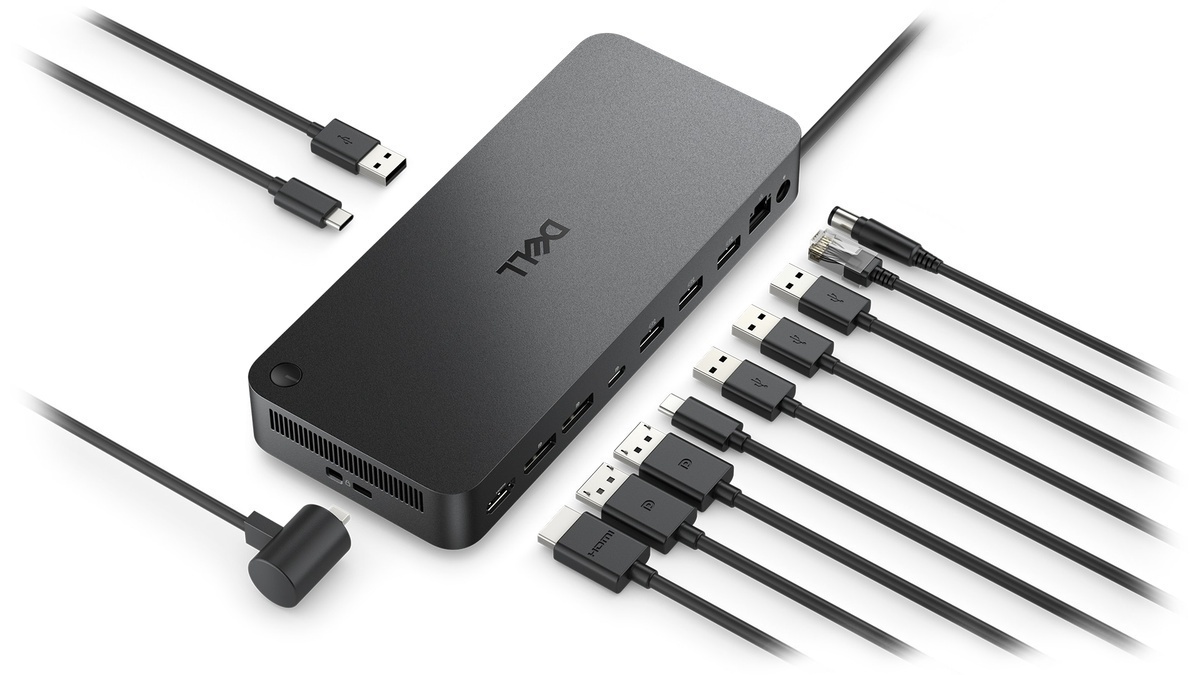
Create a highly compatible, single-cable workspace with a dock that features six USB ports, supports up to four displays, and delivers up to 130W of power to the latest Dell AI PCs, ensuring optimal productivity.

Accelerate manageability
Easily keep your dock updated, ensuring uninterrupted productivity.
Improved manageability
Manage your dock from the Dell Device Management Console by utilizing Dell Display and Peripheral Manager, and Dell Device Management Agent installed on your PC.
Simplify firmware updates
Reduce IT complexity by deploying a single firmware file across workspaces. Minimise end-user disruption with silent firmware updates that are executed upon dock disconnection.
Work with confidence
Enhance your docking experience with universally compatible features including MAC Address Pass-Through and Power Button Sync¹, for a better docking experience across brands.
Connect your way
Configure your workspace to your liking with an ambidextrous USB-C cable² that can be routed left or right.
Designed for sustainability
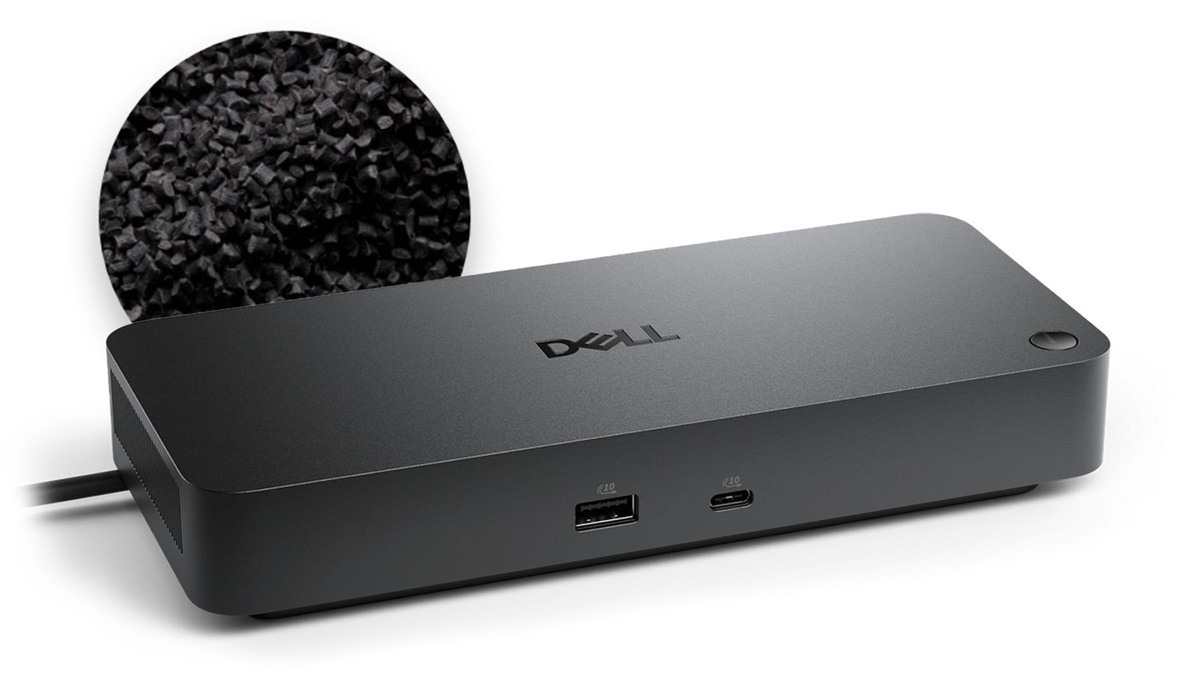
The new generation of Dell Pro Docks reflect a commitment to sustainable design innovation to reduce environmental impact. The WD25Z is built with sustainable materials and packaged with at least 65% post-recycled content (PCR) plastic³ and 100% recycled or renewable packaging³.
Ports and slots

Front side
1. USB-A 3.2 Gen 2 with PowerShare
2. USB-C 3.2 Gen 2
Rear side
3. HDMI 2.1
4. DisplayPort 1.4
5. DisplayPort 1.4
6. USB-C 3.2 Gen 2 Multifunction DisplayPort 1.4
7. USB-A 3.2 Gen 2 with PowerShare
8. USB-A 3.2 Gen 2 with PowerShare
9. USB-A 3.2 Gen 2 with PowerShare
10. 2.5 Gigabit Ethernet (RJ45)
11. Power In
1. Power Button Sync will work with non-Dell notebooks if they support PD3.1 spec.
2. The accurate length of this cable is 0.83 meters. The image provided is for illustrative purposes only.
3. Based on internal analysis, December 2024.