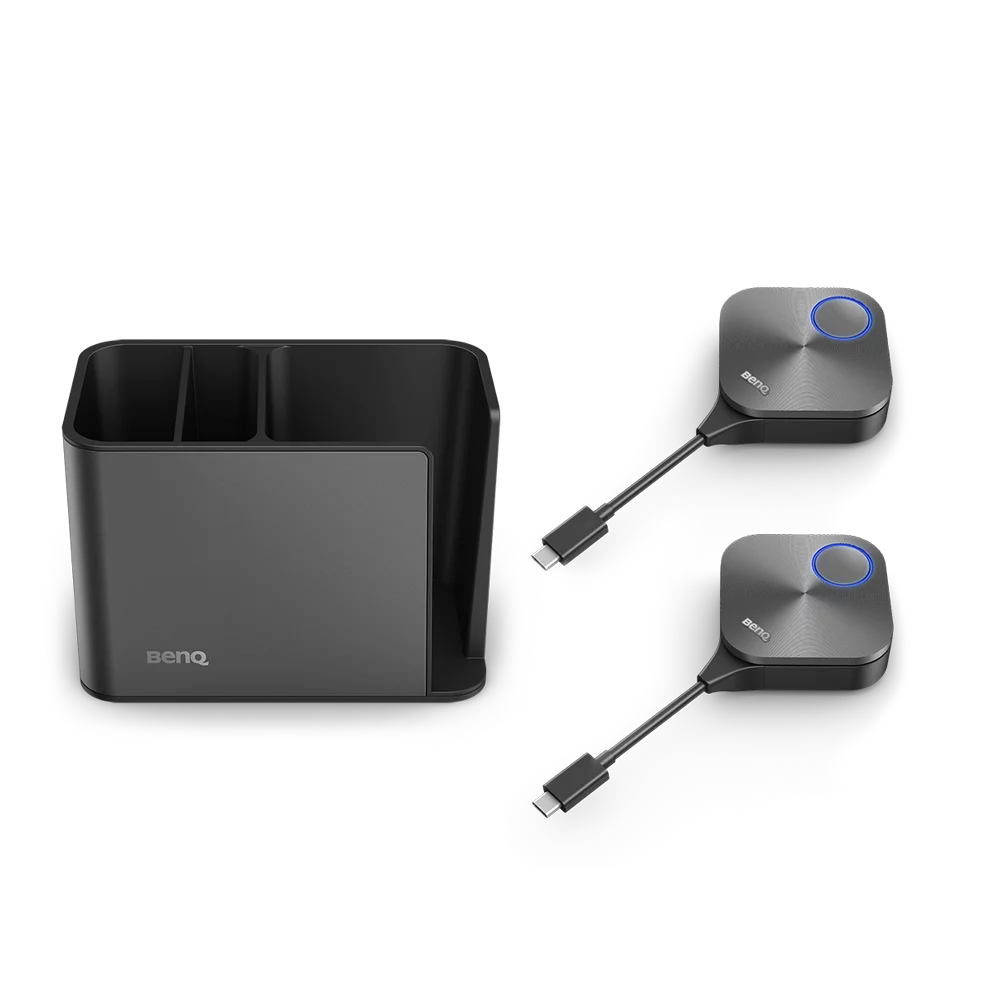
InstaShare Button Solution
- Two InstaShare Buttons, one InstaShare Dock
- Plug and click to instantly share your screen
- Designed for laptops with USB-C
- Built-in Wi-Fi connectivity (IEEE 802.11ac Wave 2)
Share your screen with a single click

Seamless support
The InstaShare Button works seamlessly with Windows laptops, MacBook®, and Chromebooks for easy one-click sharing.
*MacBook® is a trademark of Apple Inc.

One simple cable
Say goodbye to multiple cables and hello to a single USB-C cable that connects, shares, and powers the InstaShare Button.

Stay organized
The InstaShare Dock keeps your space even more clutter-free by holding your InstaShare Buttons, pens, and remotes.
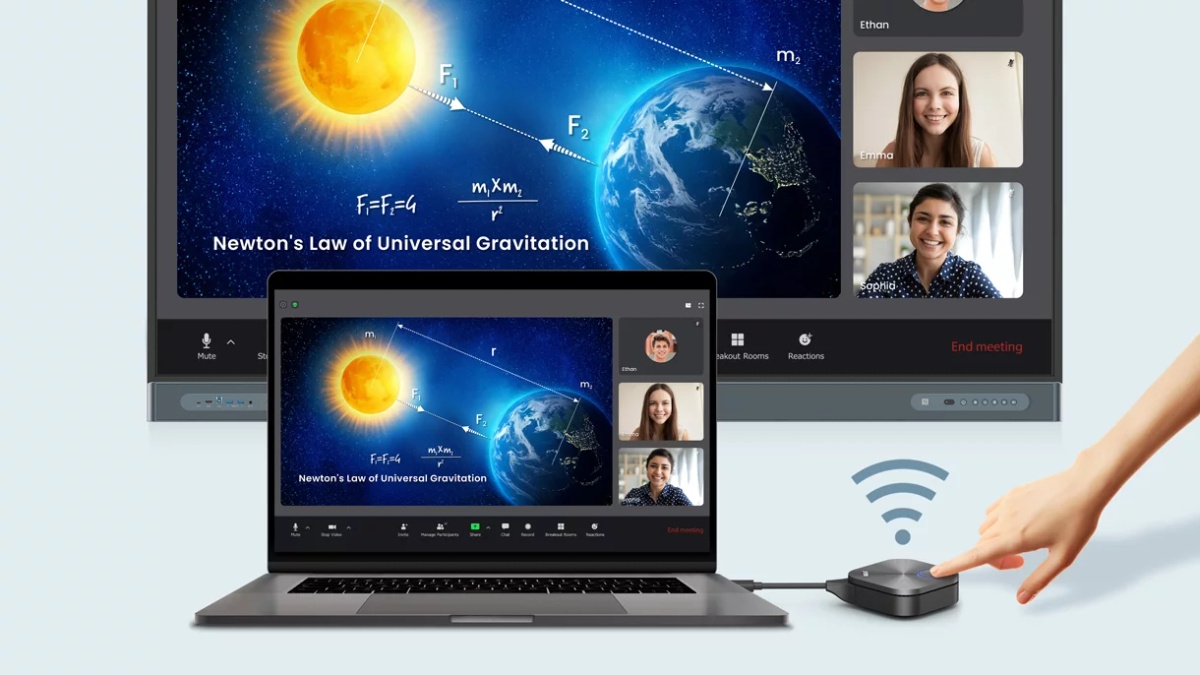
Seamless content sharing for all laptops
Wirelessly cast lesson materials in 4K quality to BenQ displays from any laptop. Designed for teachers and students, the InstaShare Button is compatible with Windows laptops, MacBook®, and Chromebooks.
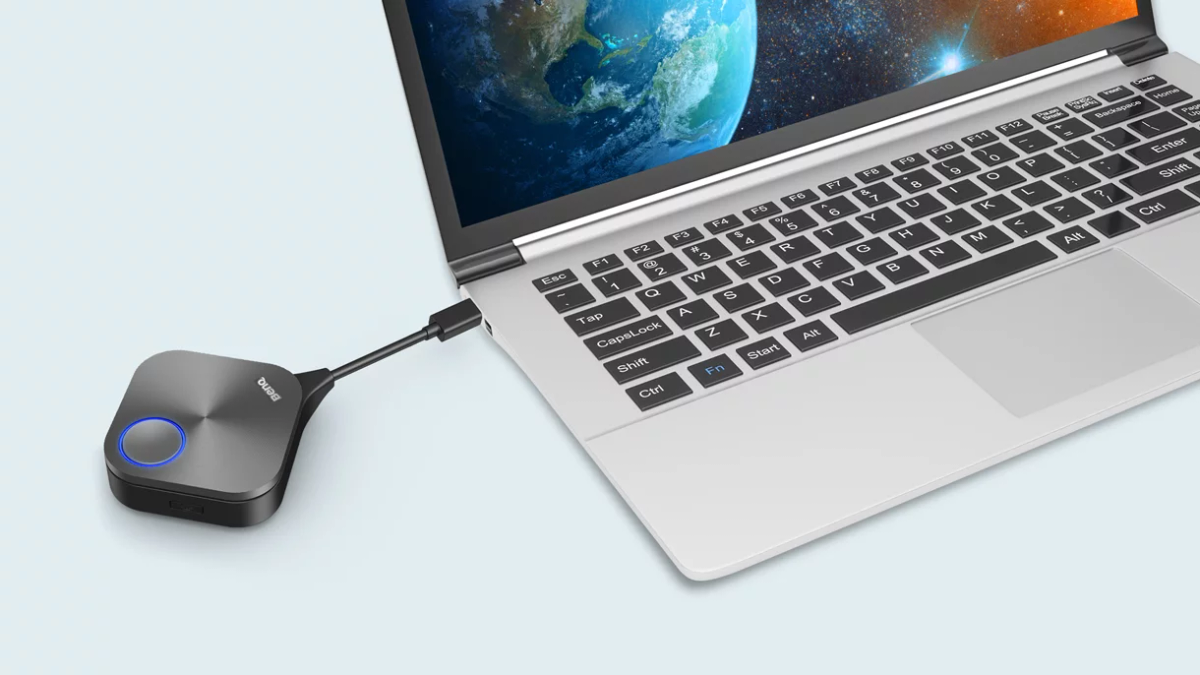
Convenient connectivity
The USB-C connector enables a one-cable plug-and-play solution that works seamlessly with your laptop. The cable allows for casting and touchback, while also powering the InstaShare Button.
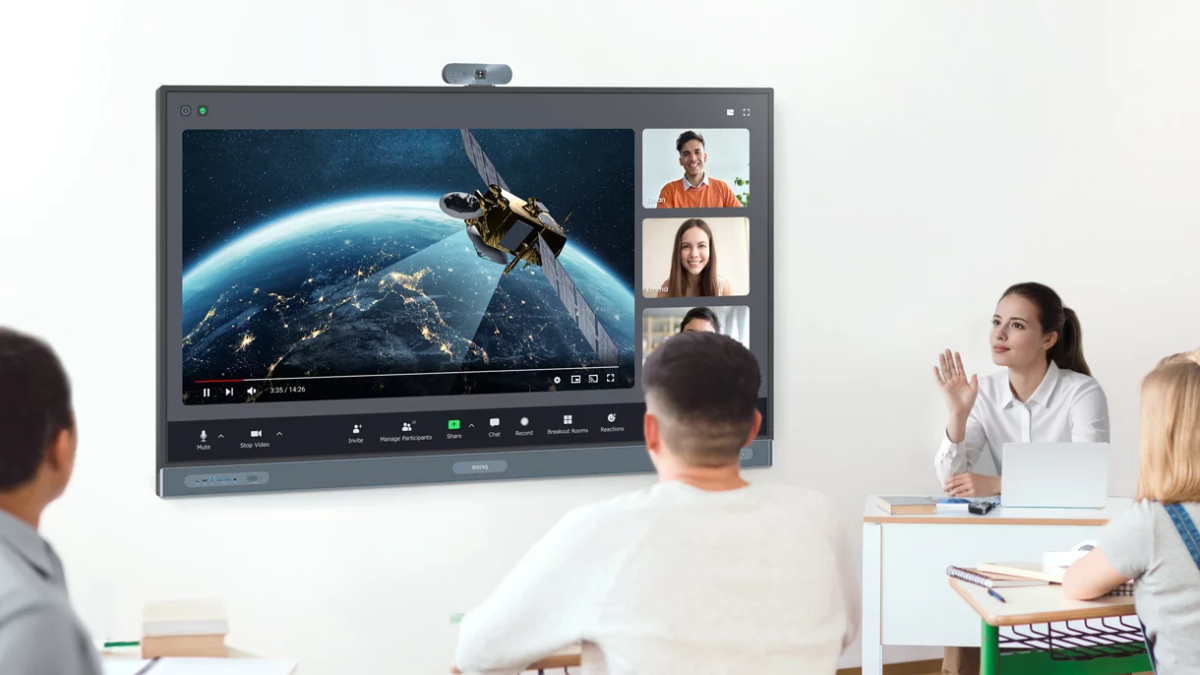
Built for distance learning
Take video calls to the next level with a BenQ Board. Just plug the InstaShare Button to your laptop, cast your screen, and start enjoying better audio and video quality as well as additional interactive features.
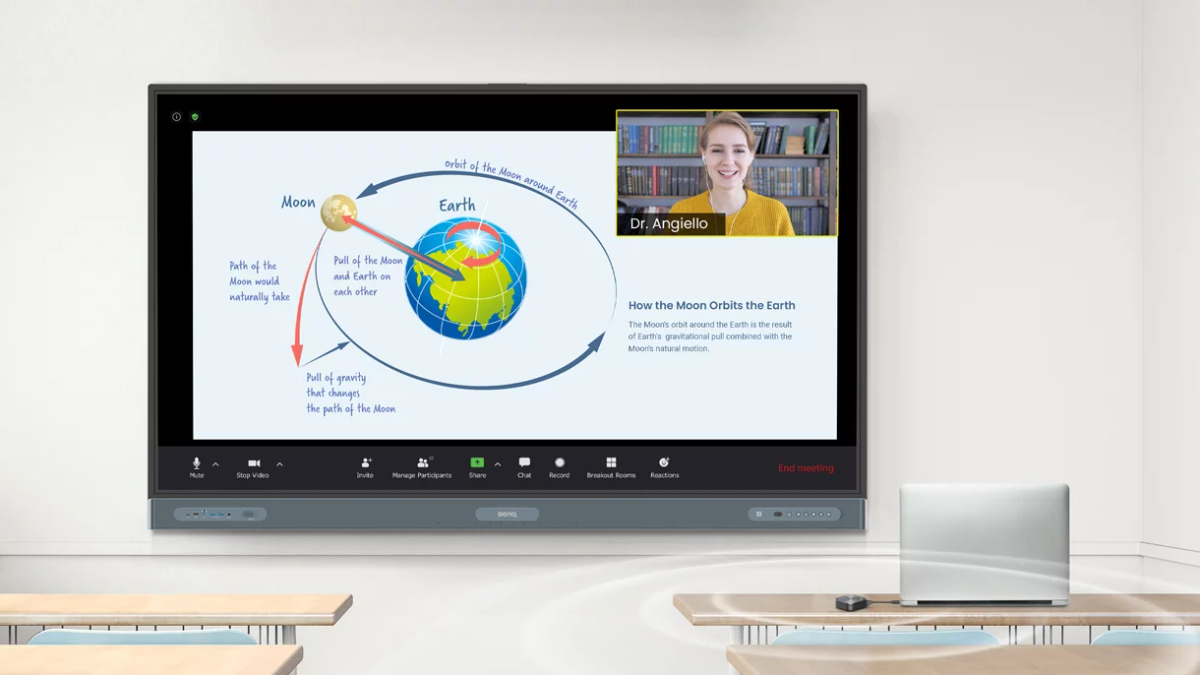
Industry-leading connection quality
Enjoy smooth classes without disruptions. The InstaShare Button delivers cutting-edge connection quality thanks to IEEE 802.11ac Wave 2 Wi-Fi connectivity to ensure a fast and stable screen sharing experience no matter where you are in the classroom.
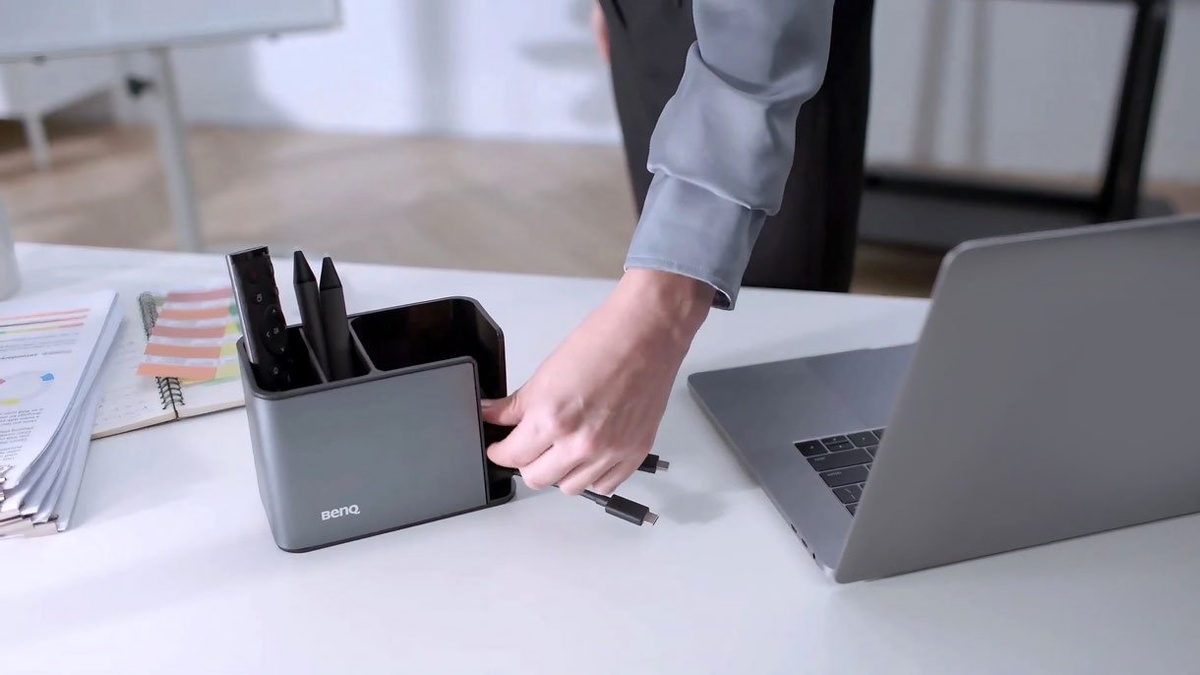
One dock to hold them all
Keep your desk clutter-free with the InstaShare Dock. Store all your BenQ accessories—including InstaShare Buttons, pens, and remotes—neatly in one place.